Savings circles
Take turns with the pot.
Everyone puts in the same amount on the same schedule. Each round one person takes the whole pot, until everyone has had a turn. The money moves the way it already does in your circle; CircleMate keeps the record.
Everything a circle needs. Nothing it doesn't.
Set up in a couple of minutes
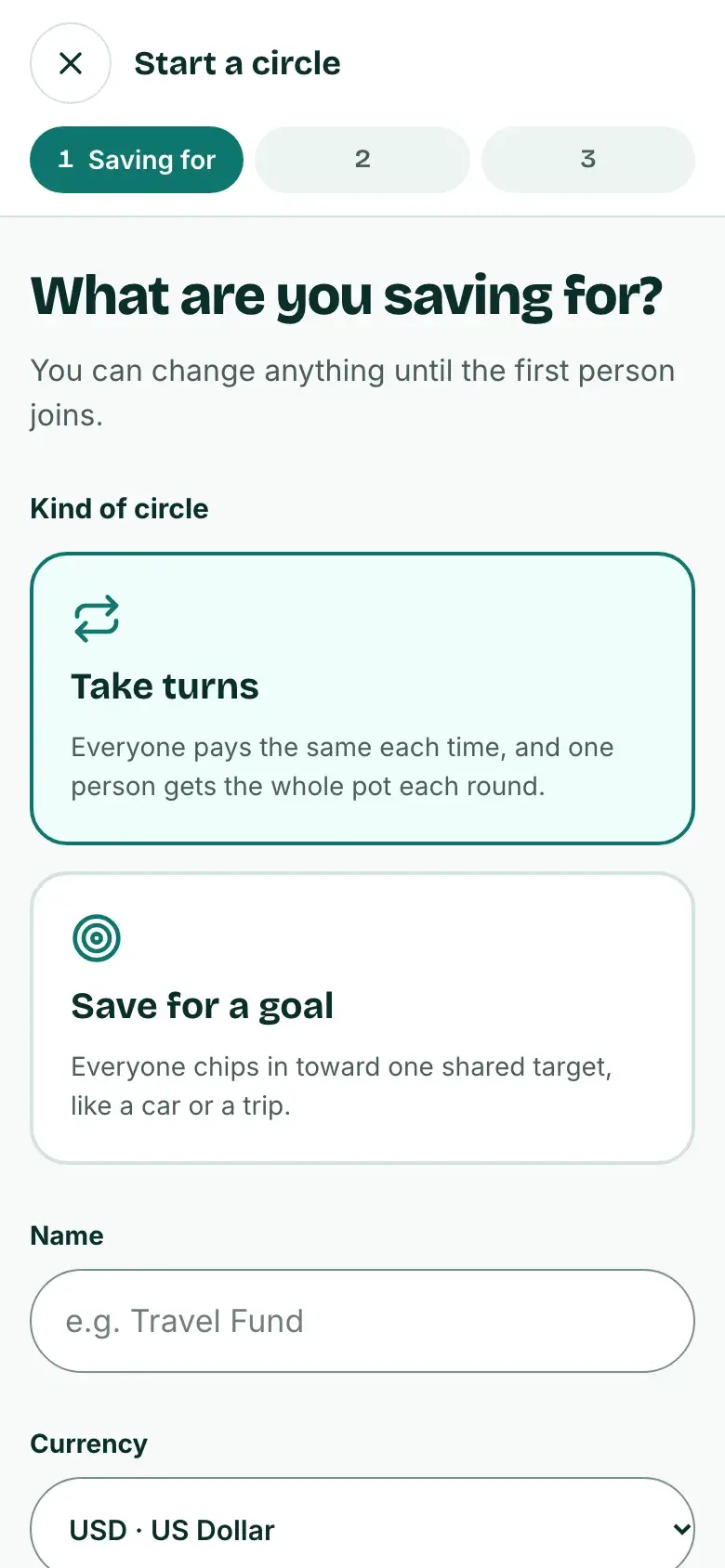
Pick the amount, how often you pay and who's in. A draw or a fixed order decides the turns. The defaults suit most circles, and you can change anything until the circle starts.
Everyone sees the same thing
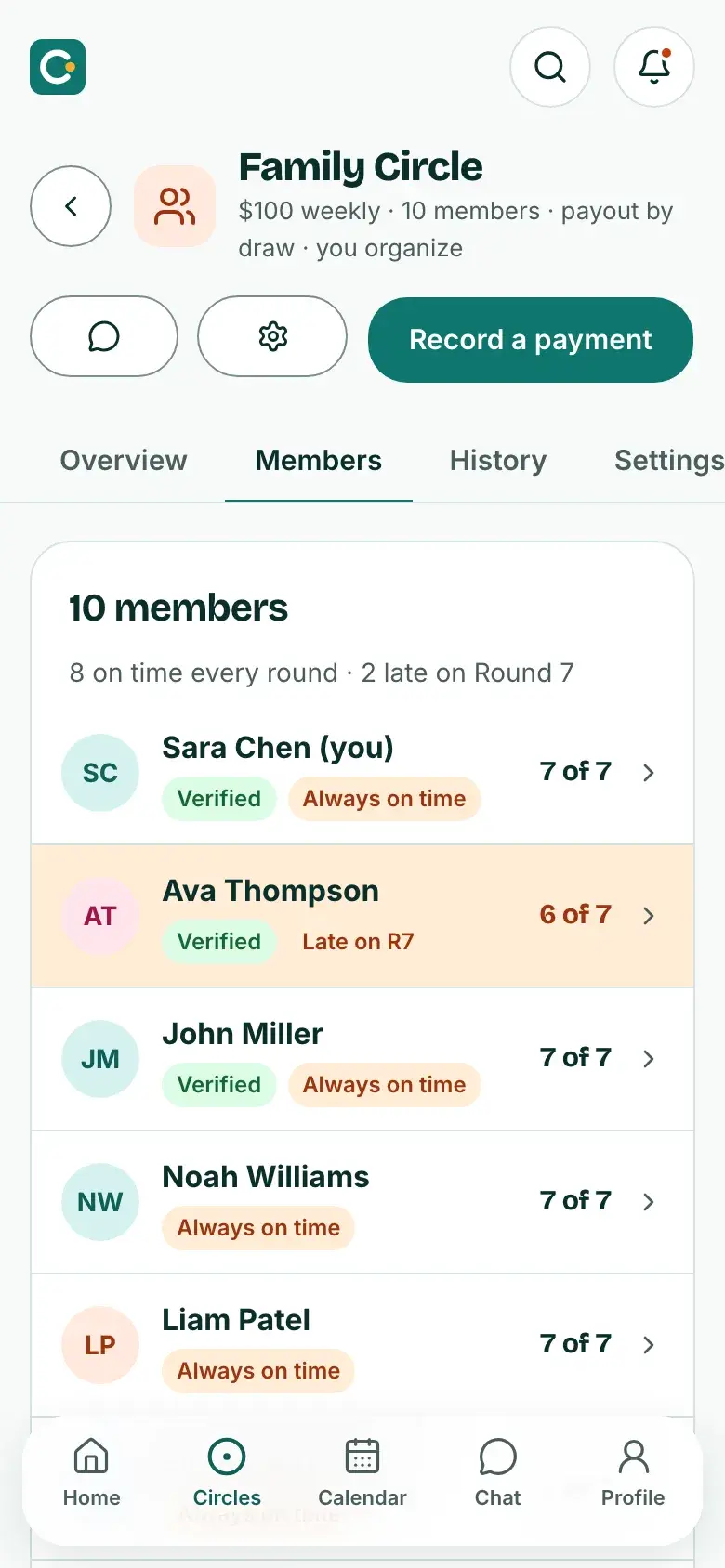
Who has paid this round, who has had the pot and who is still waiting. Badges show who always pays on time, so trust is earned in the open.
Every round in three steps
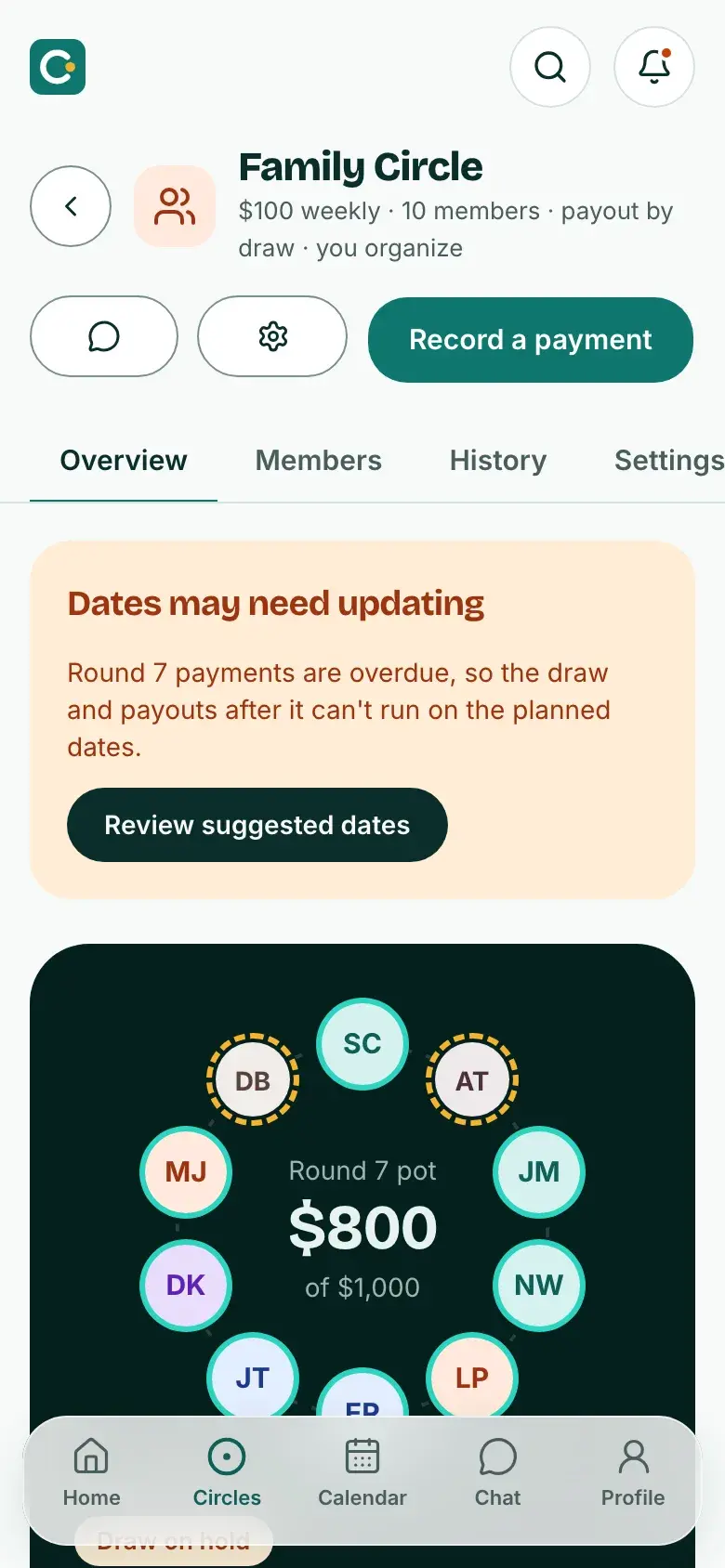
Collect, Draw, Pay out. The round card says where things stand and what's holding them up, so nobody has to ask in the group chat.
A record nobody can edit
Every payment, confirmation, draw and payout goes into a permanent history. Nothing in it can be changed or deleted, so it's what everyone can rely on if there's ever a question.
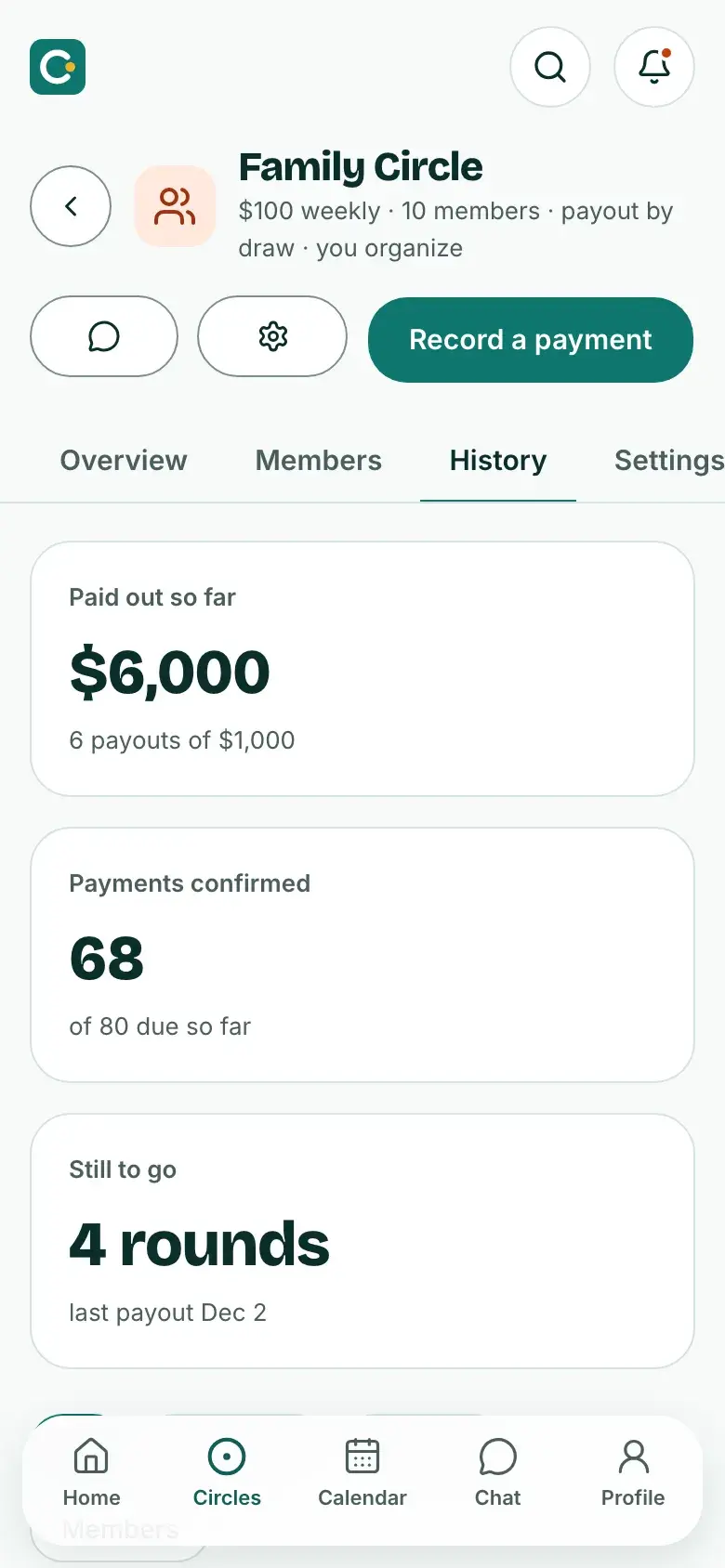
A round, screen by screen.
Read it instead
- Create the circle: the amount, how often, and how turns are decided.
- Invite your people. Everyone sees the rules before they join.
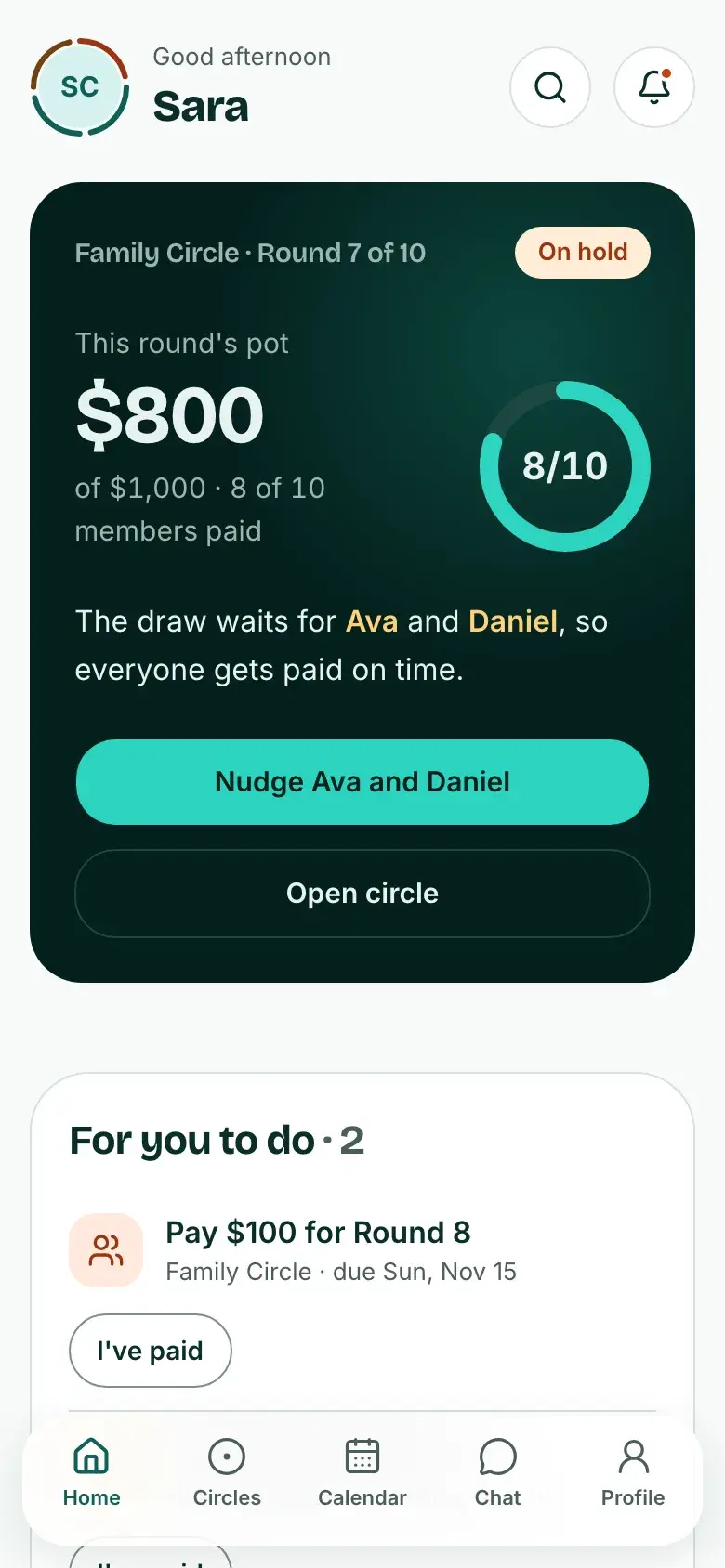
- Home shows what you owe this round, and to whom.
- Pay the way you already do, then record it. It's confirmed when it arrives.
- Once everyone has paid, the draw picks who takes the pot.
- The payout lands in the history for good, and the next round opens.
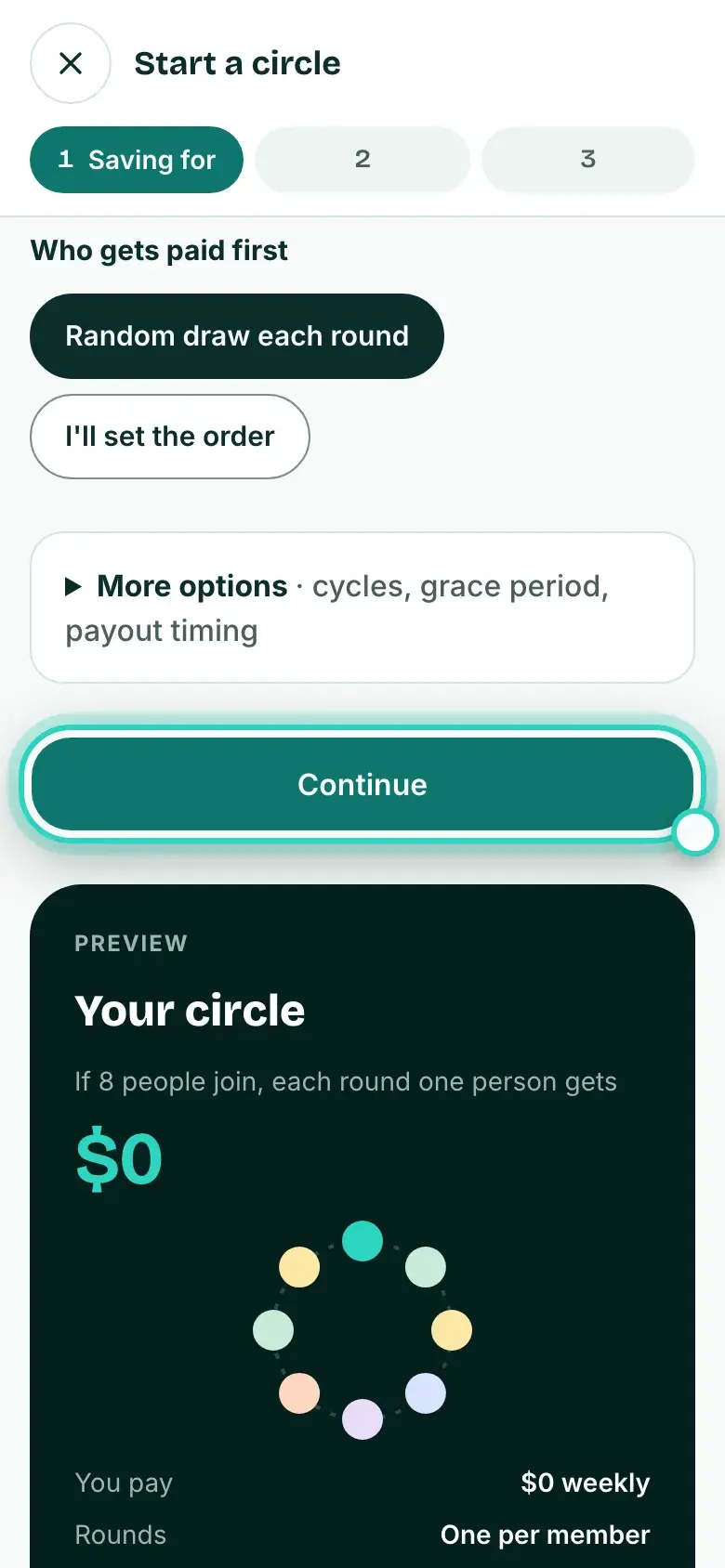
Create the circle: the amount, how often, and how turns are decided.
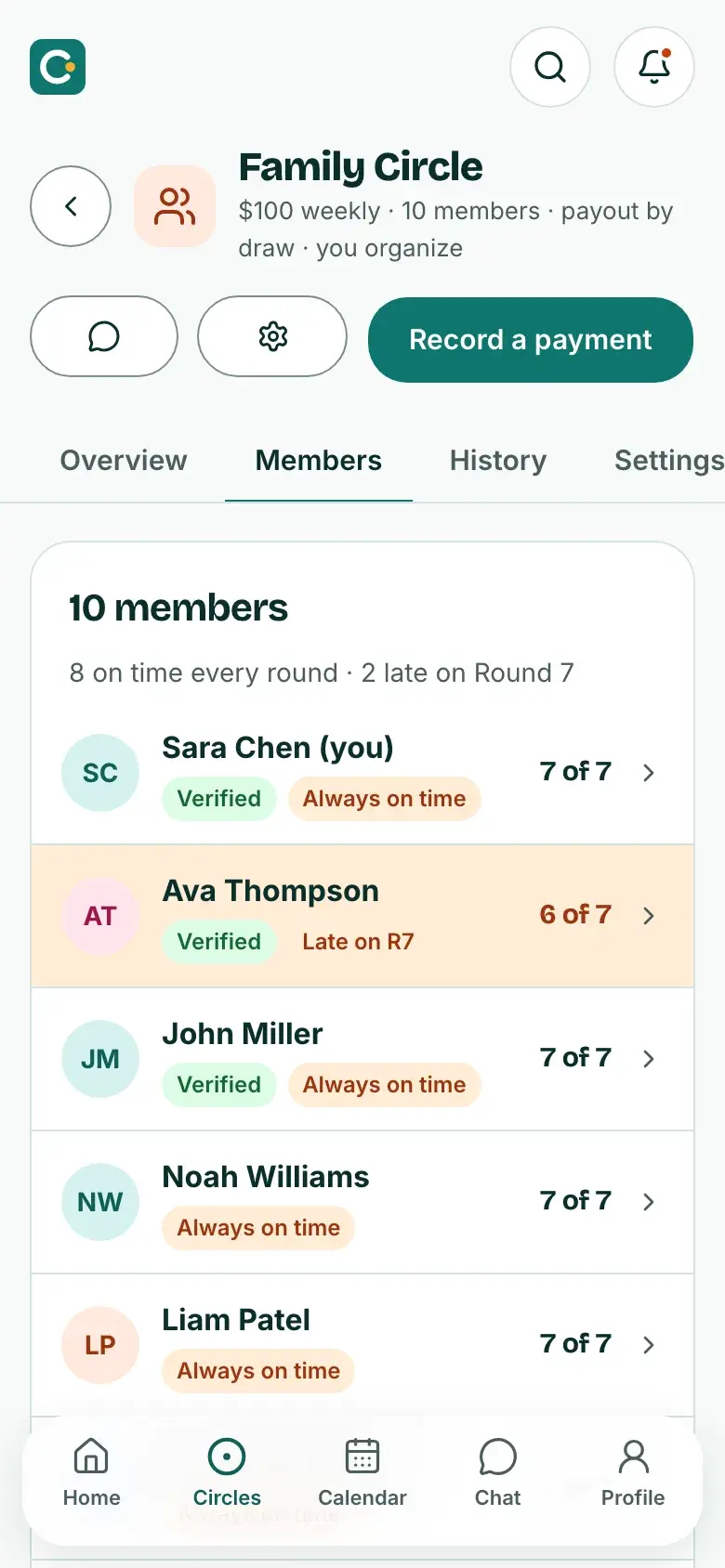
Invite your people. Everyone sees the rules before they join.
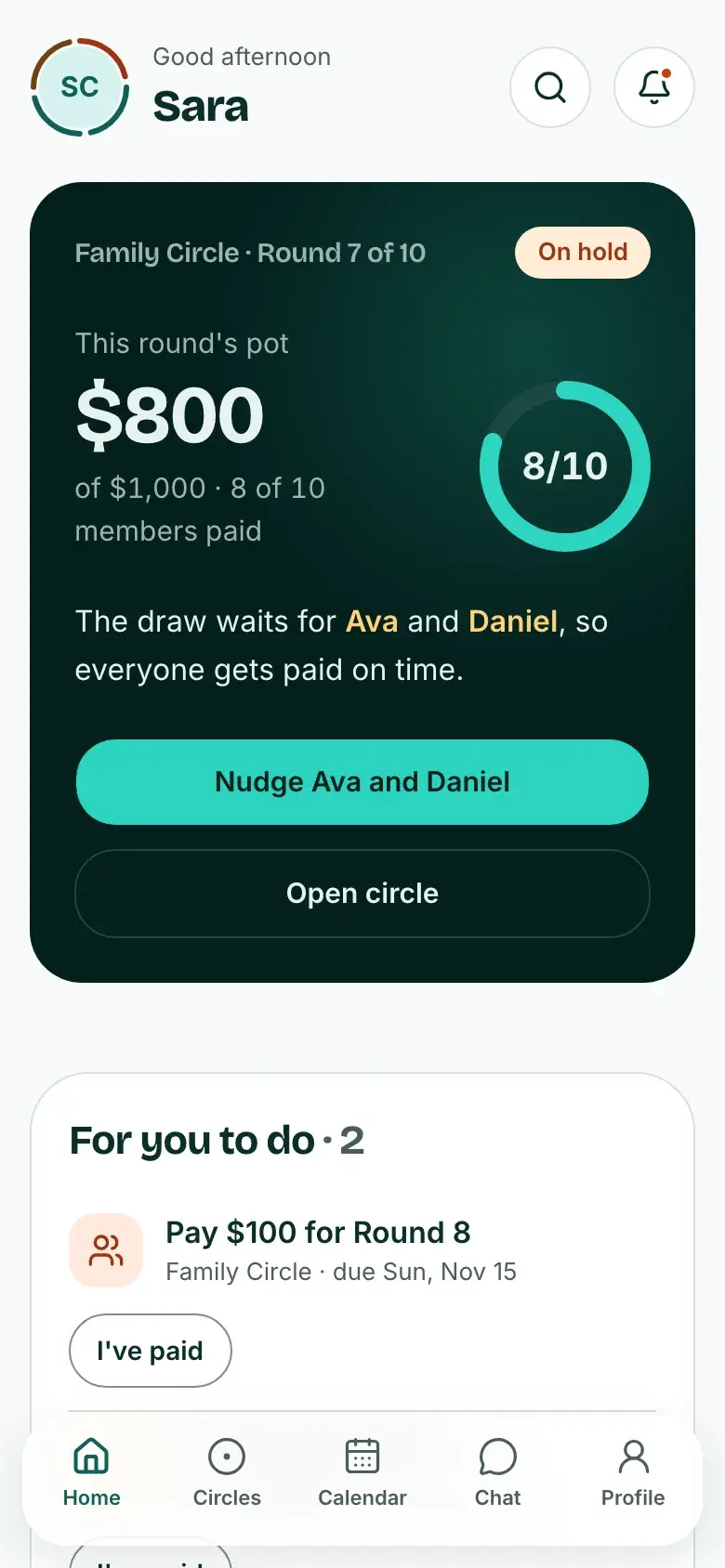
Home shows what you owe this round, and to whom.
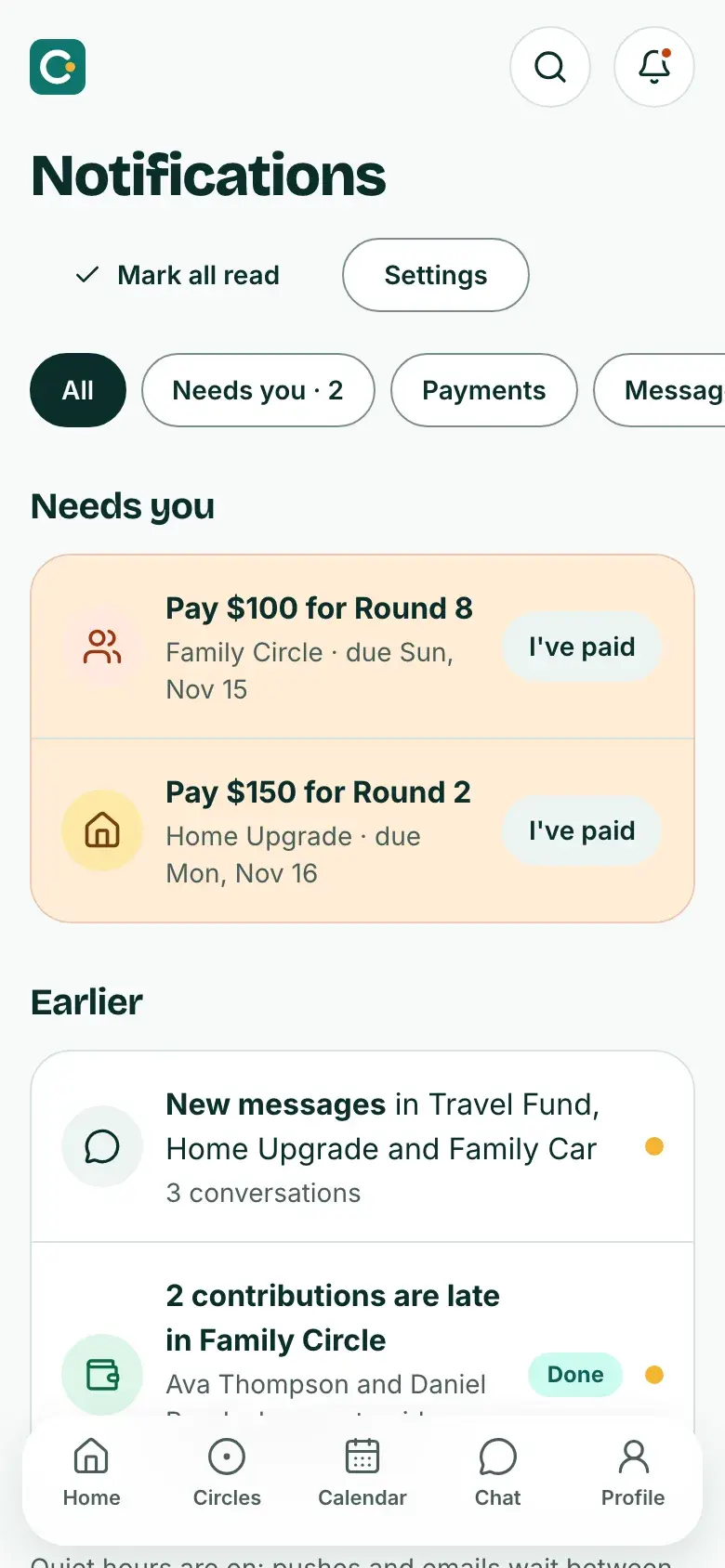
Pay the way you already do, then record it. It's confirmed when it arrives.
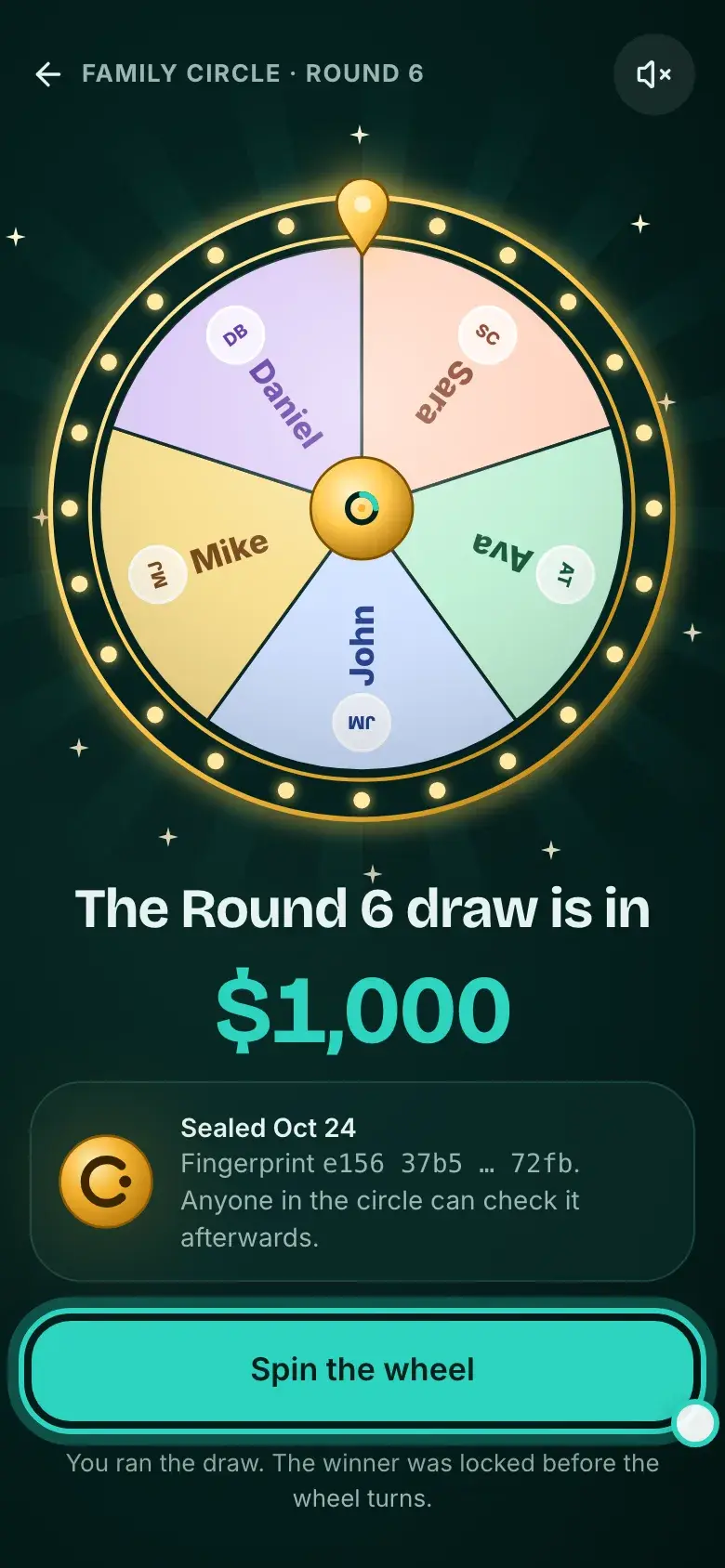
Once everyone has paid, the draw picks who takes the pot.
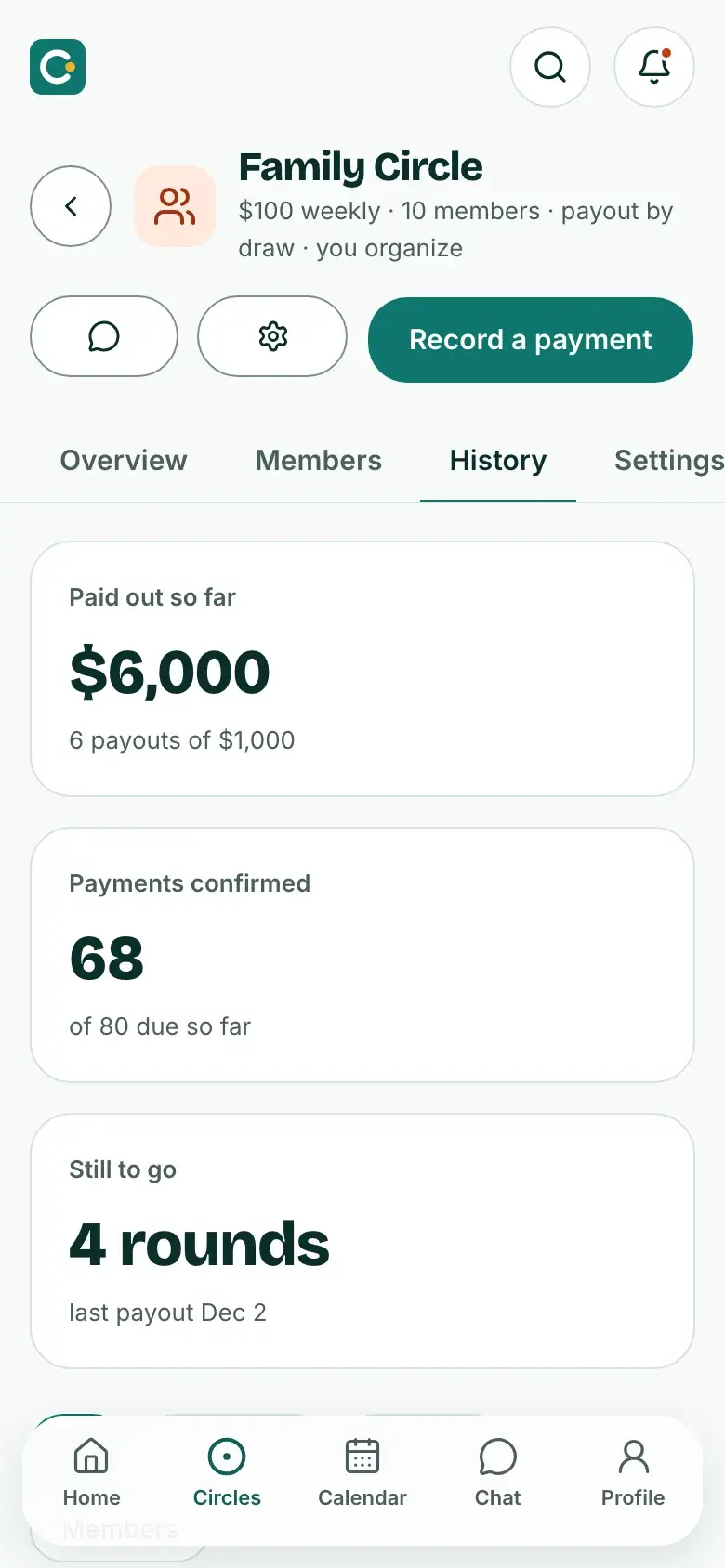
The payout lands in the history for good, and the next round opens.
Questions about savings circles.
Who holds the money?
Never CircleMate. Members send their share to the organizer with the apps they already use, and the organizer sends the pot to that round's recipient, who confirms it arrived. CircleMate only keeps the record.
What if someone pays late?
They're reminded before the due date and again after. The organizer sees who's behind at a glance, and the draw waits until every payment is in.
Can we change the amount once it's started?
No. Until the circle starts you can change anything in its settings. Once it starts, the amount and schedule are locked, so everyone pays the same.
What happens after I've had the pot?
You keep paying every round until the circle ends, so everyone else gets their turn too. You just aren't in the later draws.
Start your circle tonight.
On iPhone, Android or the web. It takes about two minutes.