Payments and reminders
Pay your way. Record it in seconds.
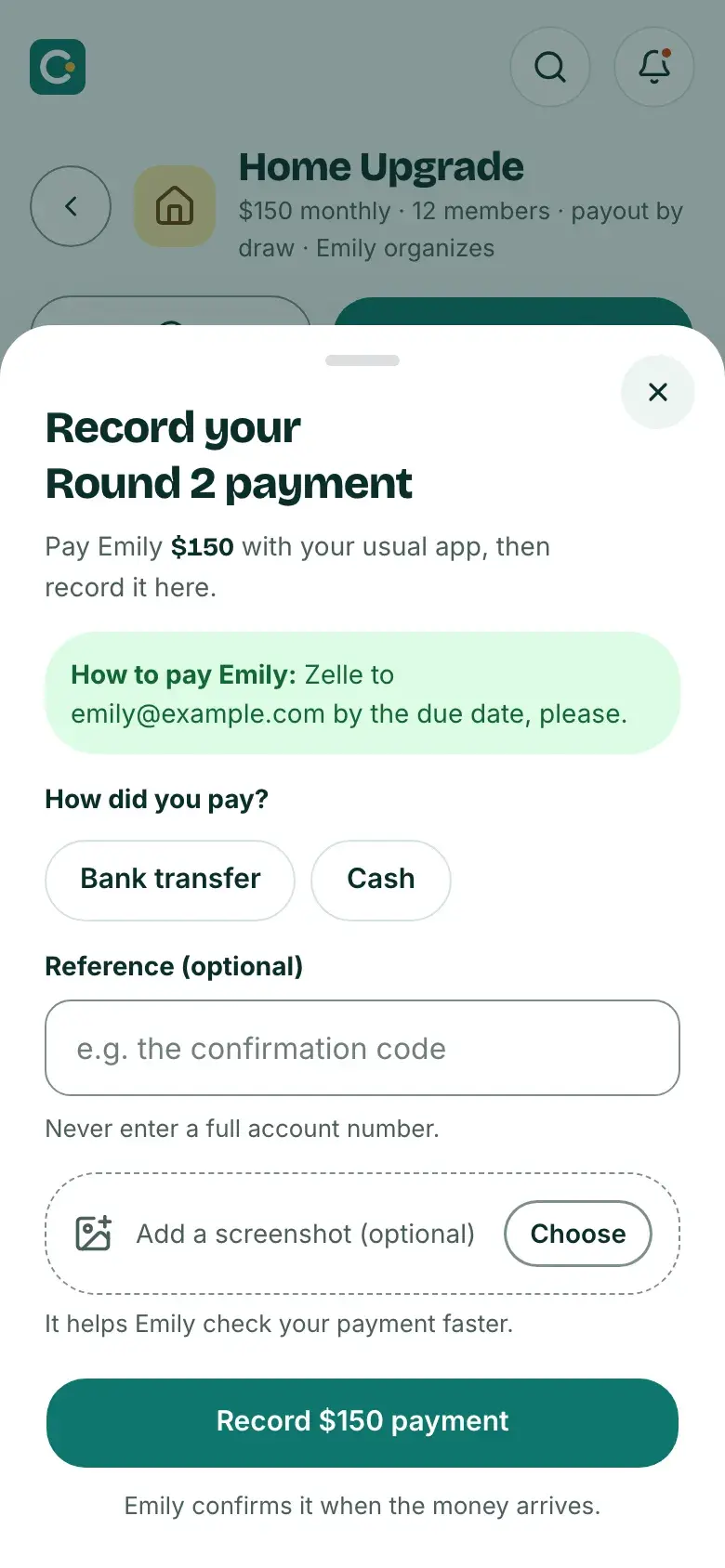
Send your share with Zelle, Cash App, Venmo, a bank transfer or cash, then tap I've paid. The organizer confirms it when the money arrives, and reminders go out so nobody has to chase anyone.
Everyone knows where the money is.
What you owe, front and centre
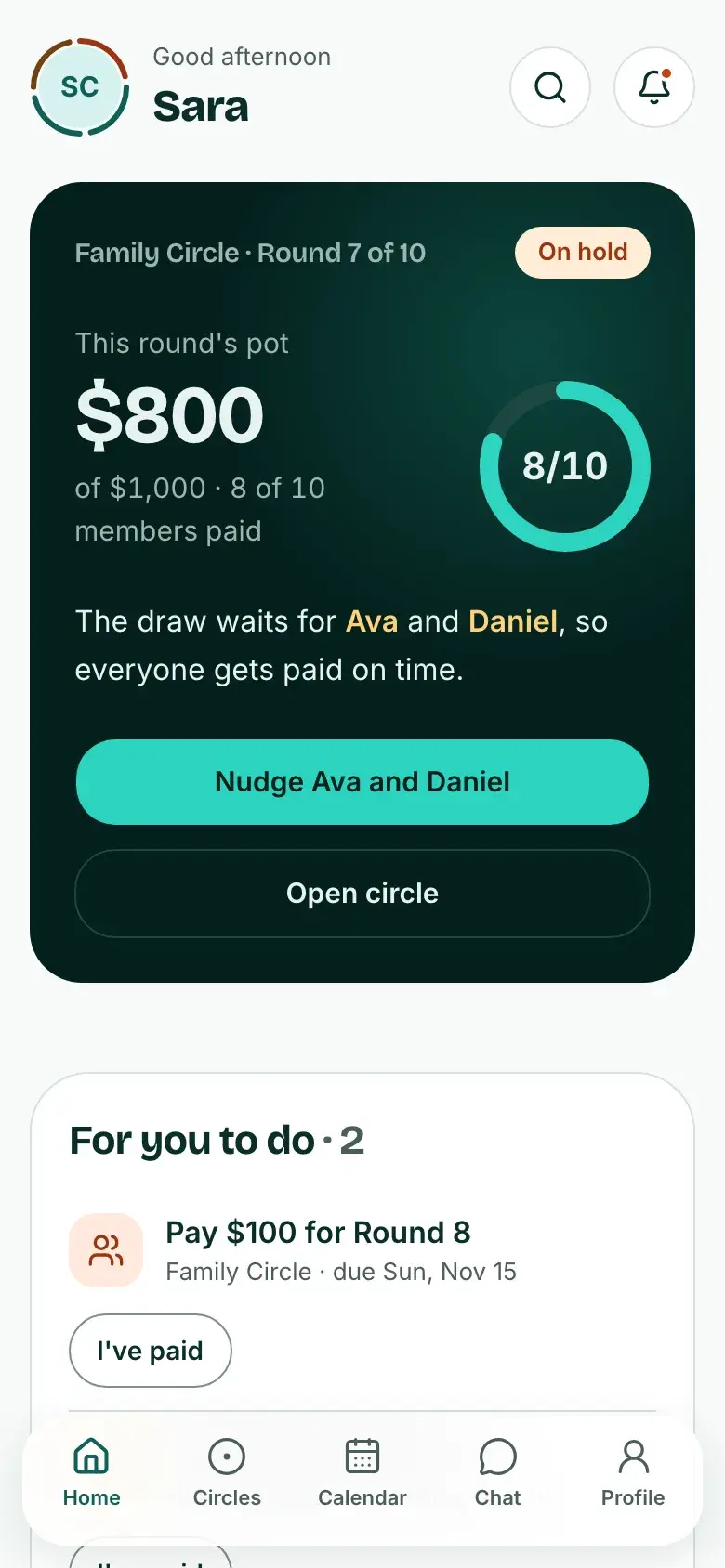
Home shows what's due this round, how much and to whom, across all your circles. When there's nothing to do, it says you're all caught up.
Confirmed when it arrives
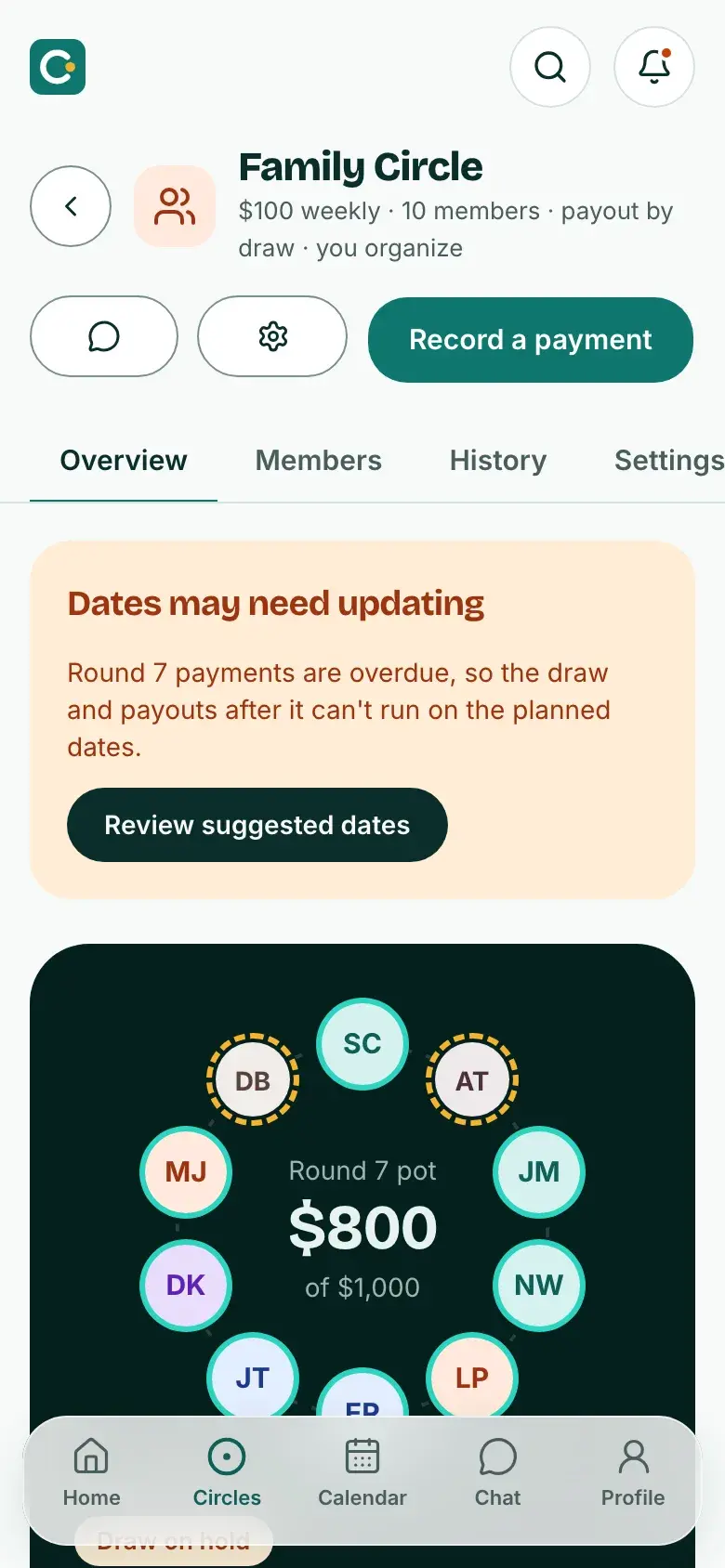
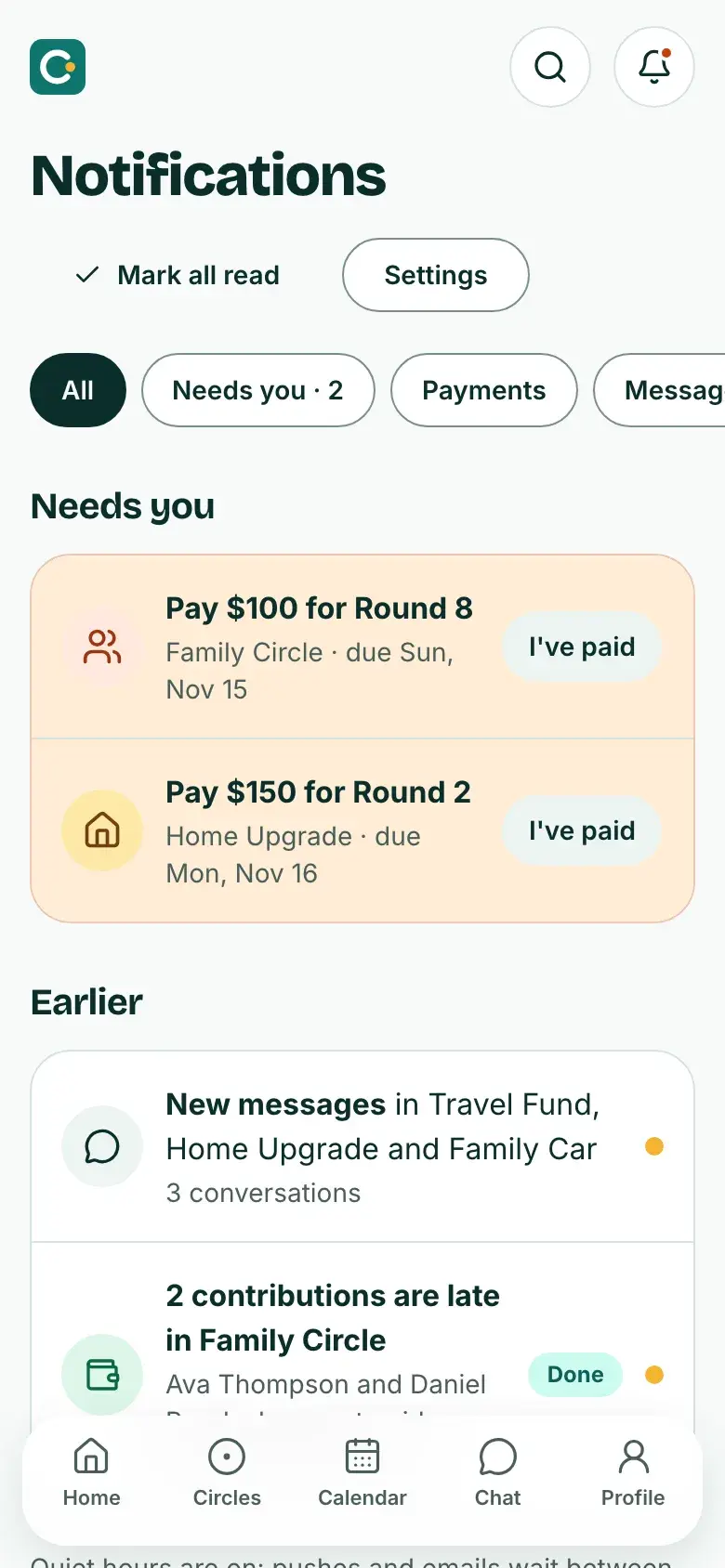
The organizer confirms each payment when the money lands, or marks it not received so you can check together. Everyone sees the same status: Recorded, Paid, Due soon or Late.
Reminders, so nobody chases
A reminder when a round opens, before a payment is due and after. Organizers get a morning digest of what's waiting and what's late, and can nudge anyone once a day.
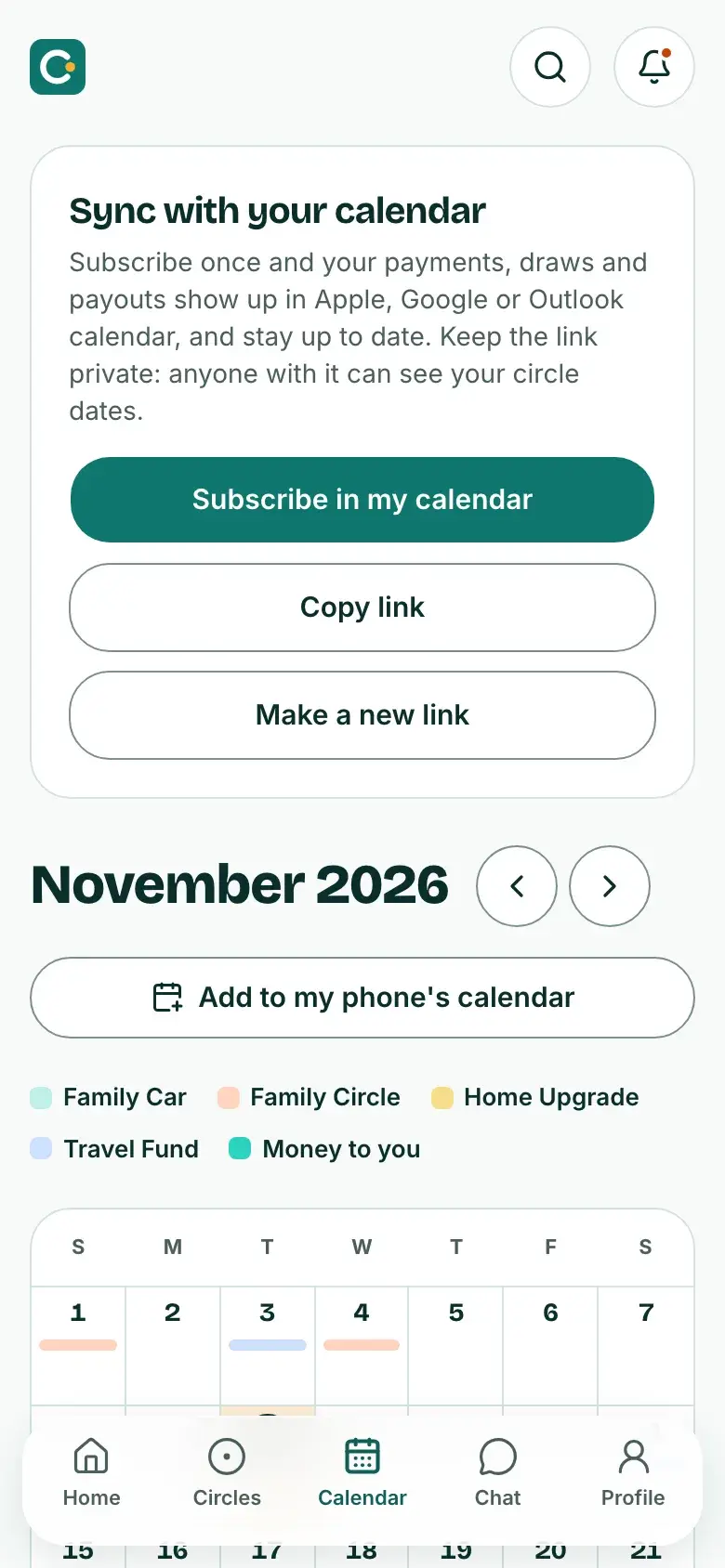
Every date in one calendar
Every payment, draw and payout across your circles, month by month, with a download for your phone's calendar.
A payment, screen by screen.
Read it instead
- Home shows what's due this round, and to whom.
- Pay your usual way, then tap I've paid: how you paid, and a reference if you like.
- The organizer confirms it when the money arrives, and you're told.
- Everyone sees who has paid, who has recorded and who is late.
- Every date ahead, in one calendar.
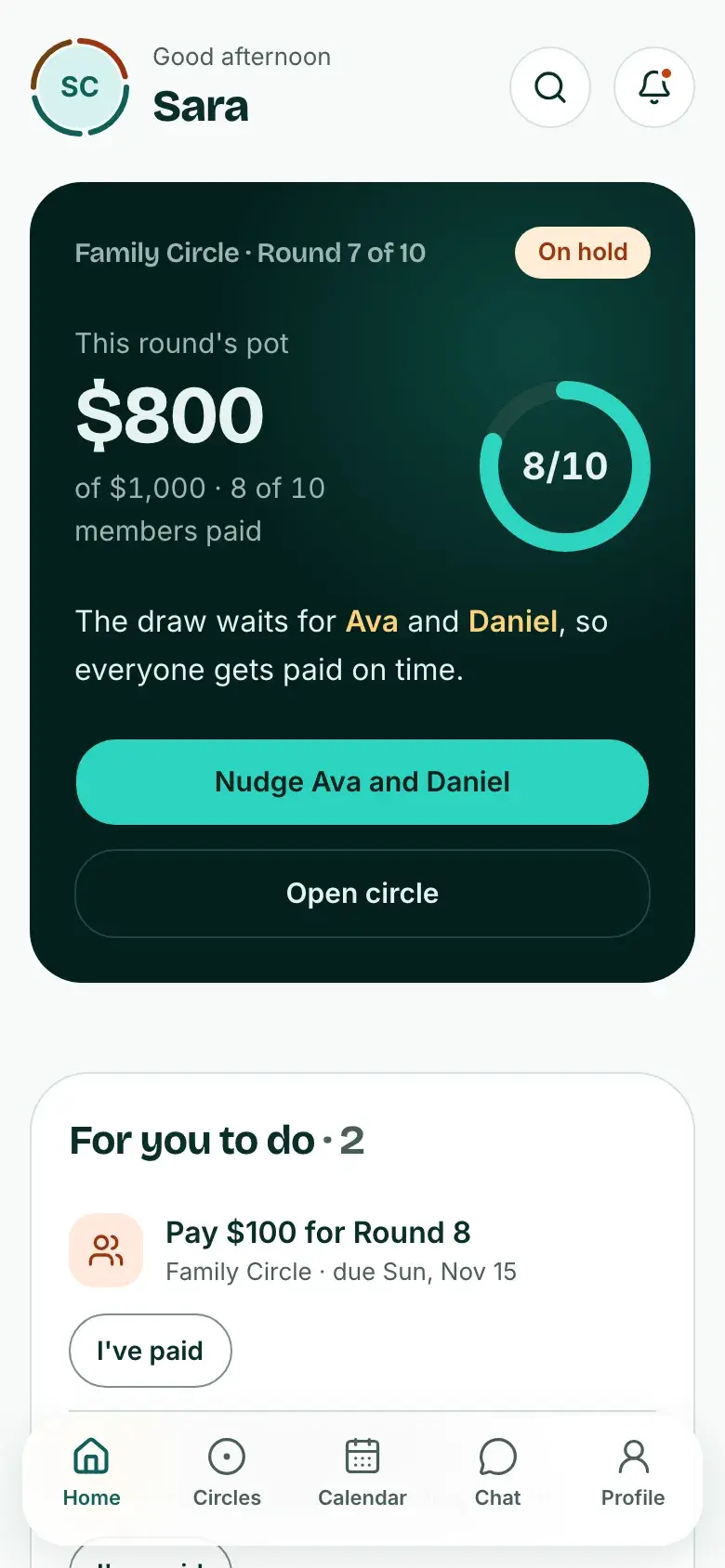
Home shows what's due this round, and to whom.
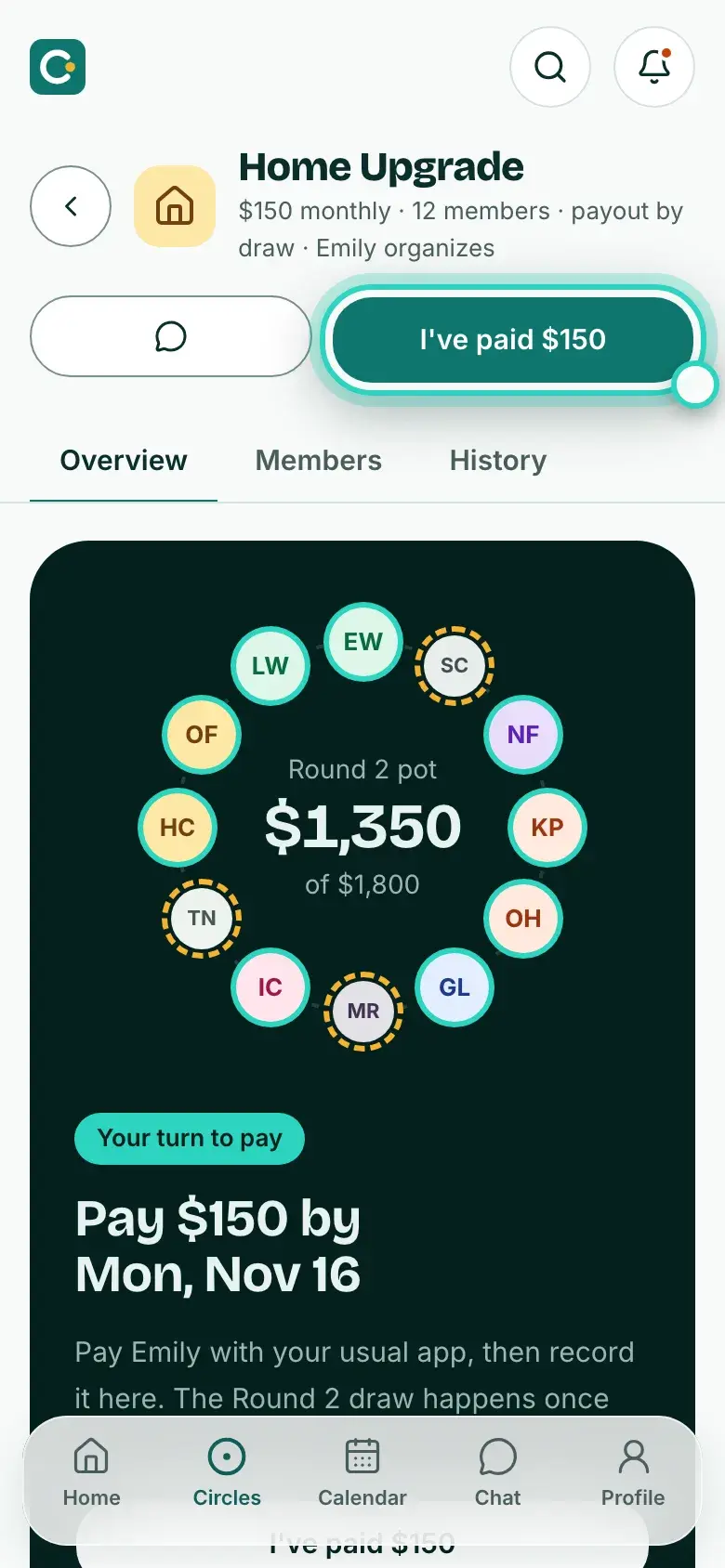
Pay your usual way, then tap I've paid: how you paid, and a reference if you like.
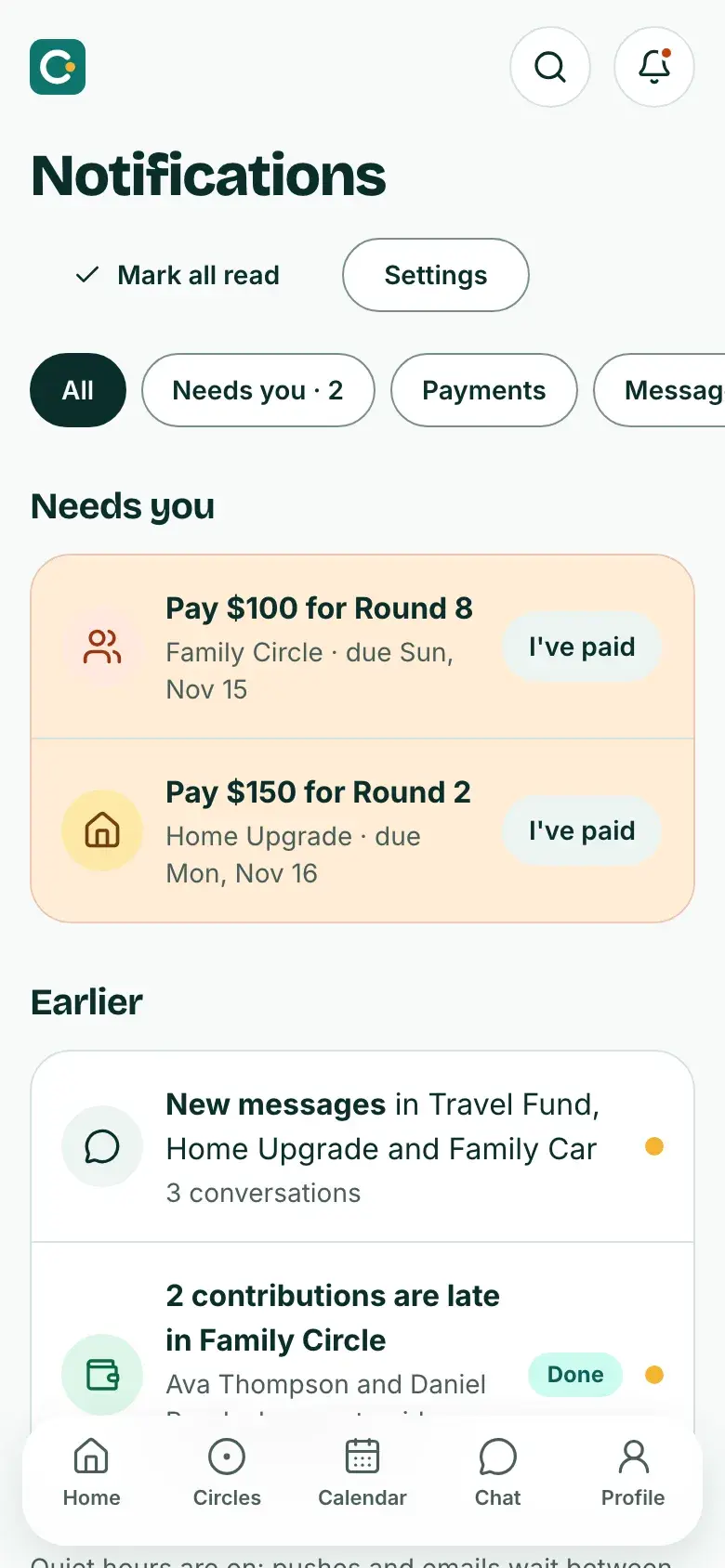
The organizer confirms it when the money arrives, and you're told.
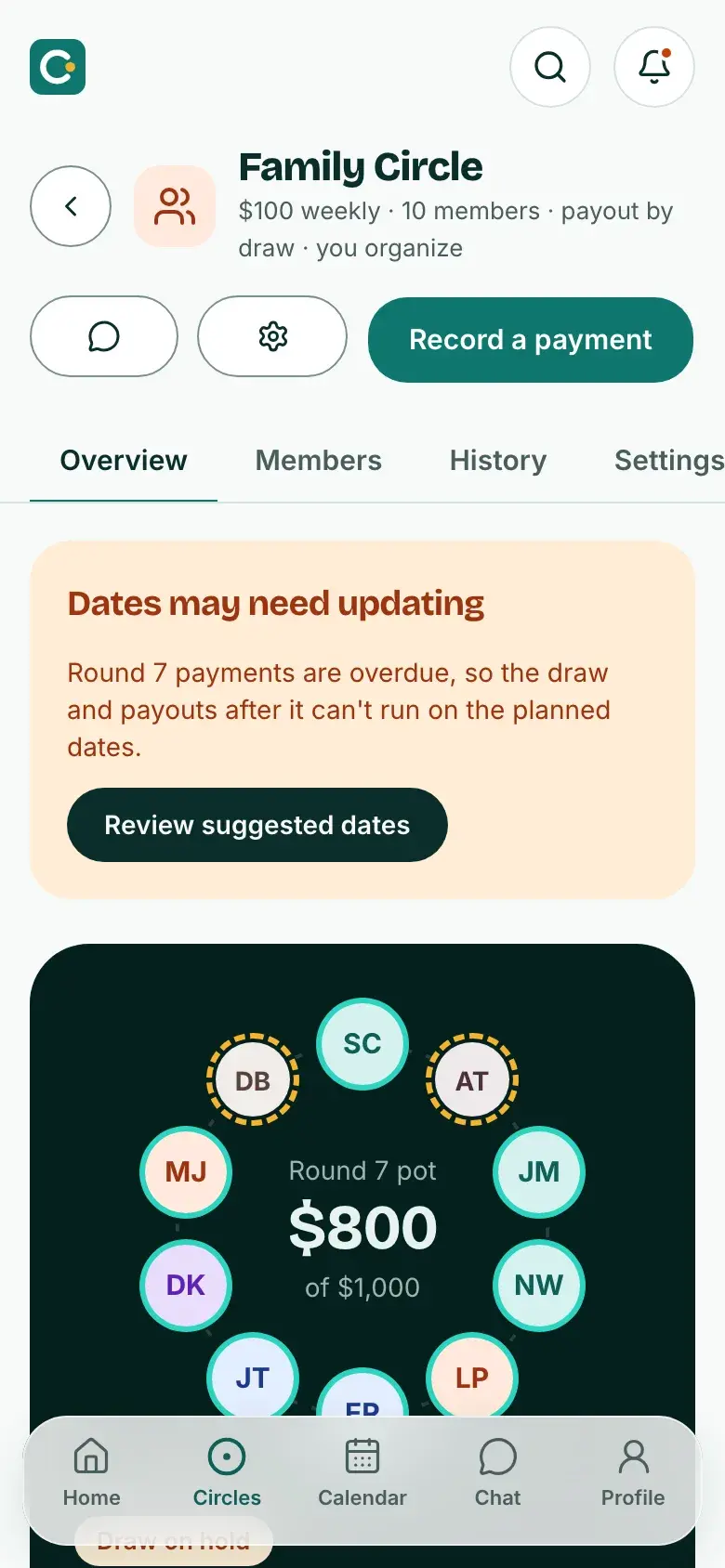
Everyone sees who has paid, who has recorded and who is late.
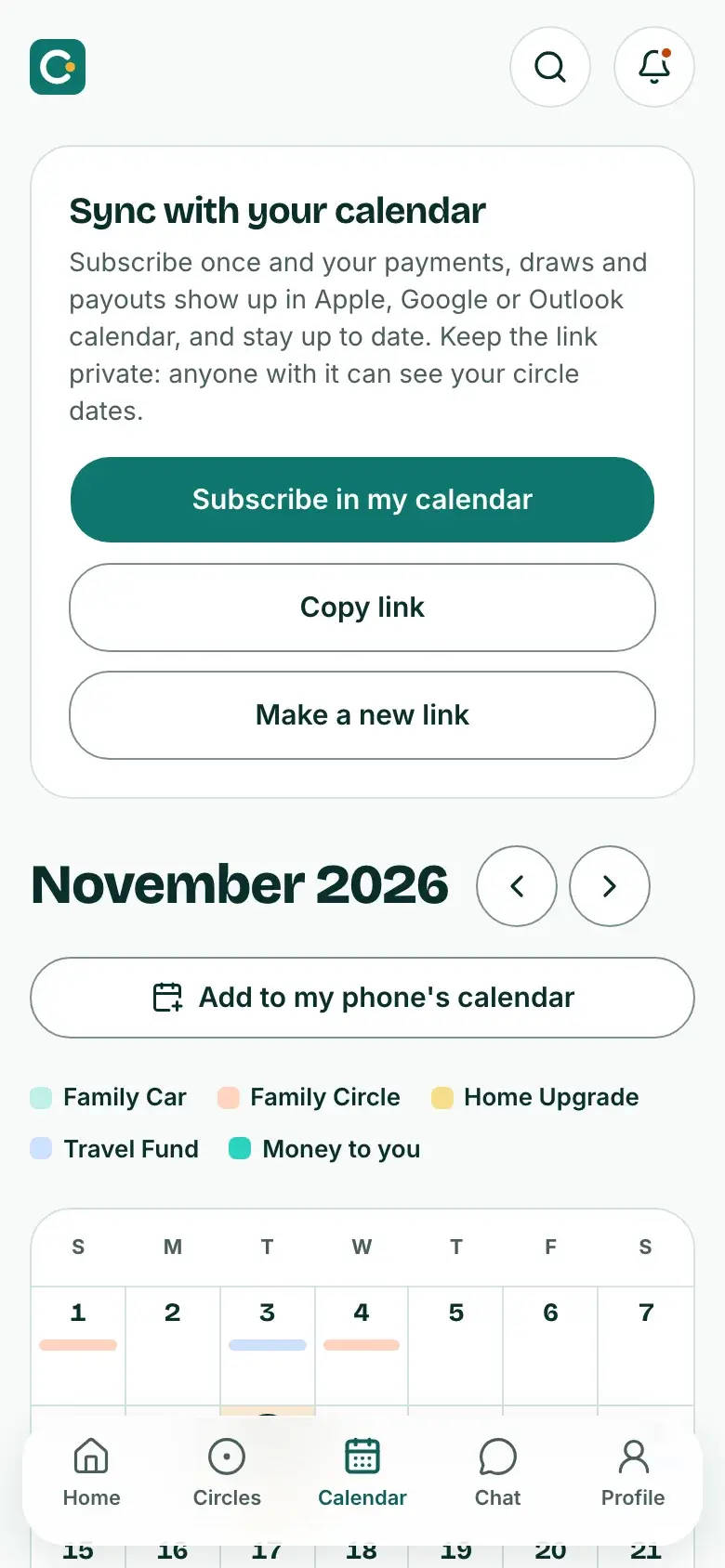
Every date ahead, in one calendar.
Questions about payments.
Does CircleMate move the money?
No. You pay with the app you already use, or in cash, and record it in CircleMate. We never hold or move money.
Do I have to add a screenshot?
No, it's optional. A screenshot or the last digits of the confirmation just help the organizer check faster. Never enter a full account number.
When is a payment late?
After the due date plus the circle's grace period, two days unless the organizer changed it. A late payment holds up the draw for everyone.
Can I stop reminders at night?
Yes. Quiet hours hold phone notifications and emails overnight, from 9:00 PM to 8:00 AM to start with, and you can change the times or turn them off.
Start your circle tonight.
On iPhone, Android or the web. It takes about two minutes.