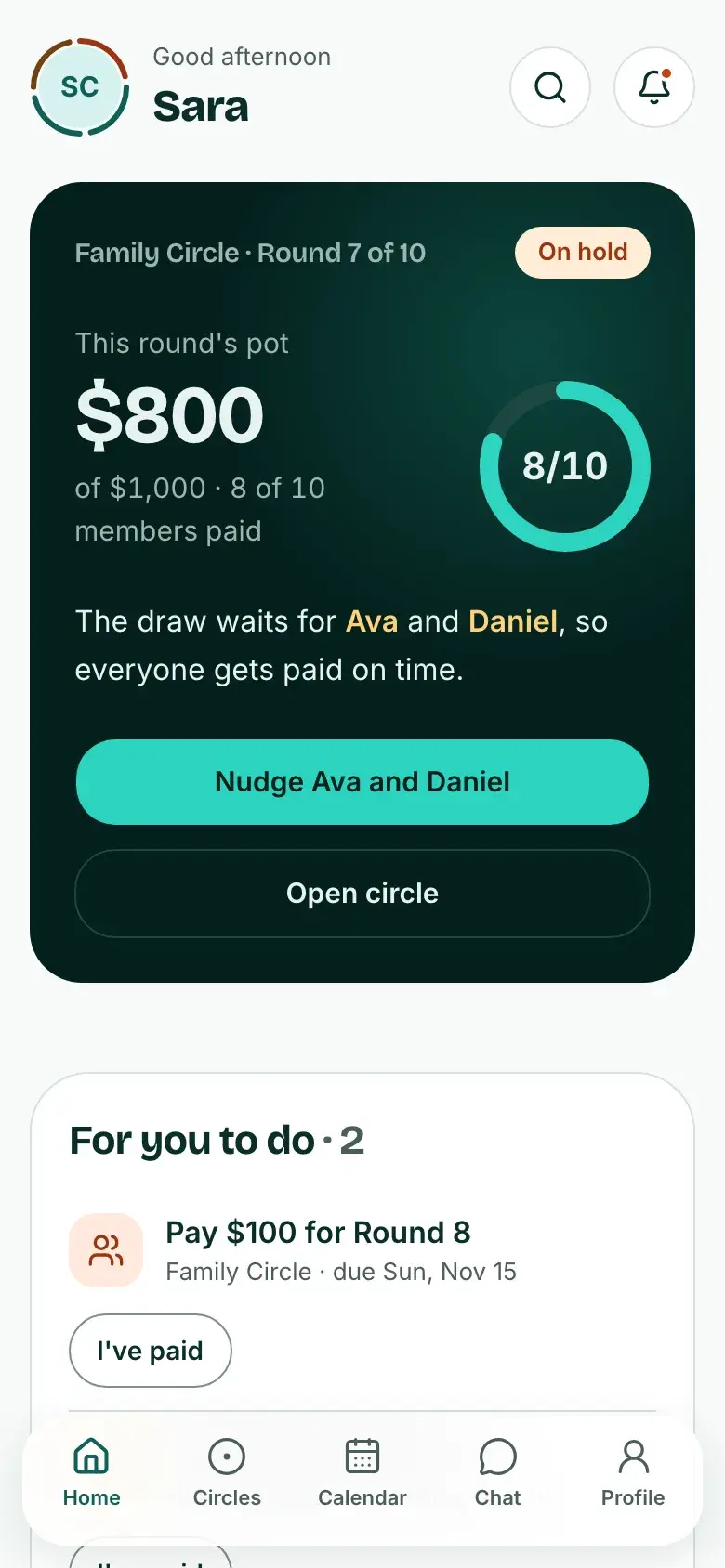
Chat and inbox
The money talk, in one place.
Every circle gets its own group chat, with everyone in it from the day they join. Payments and draws show up right in the conversation, so the chat and the record always agree.
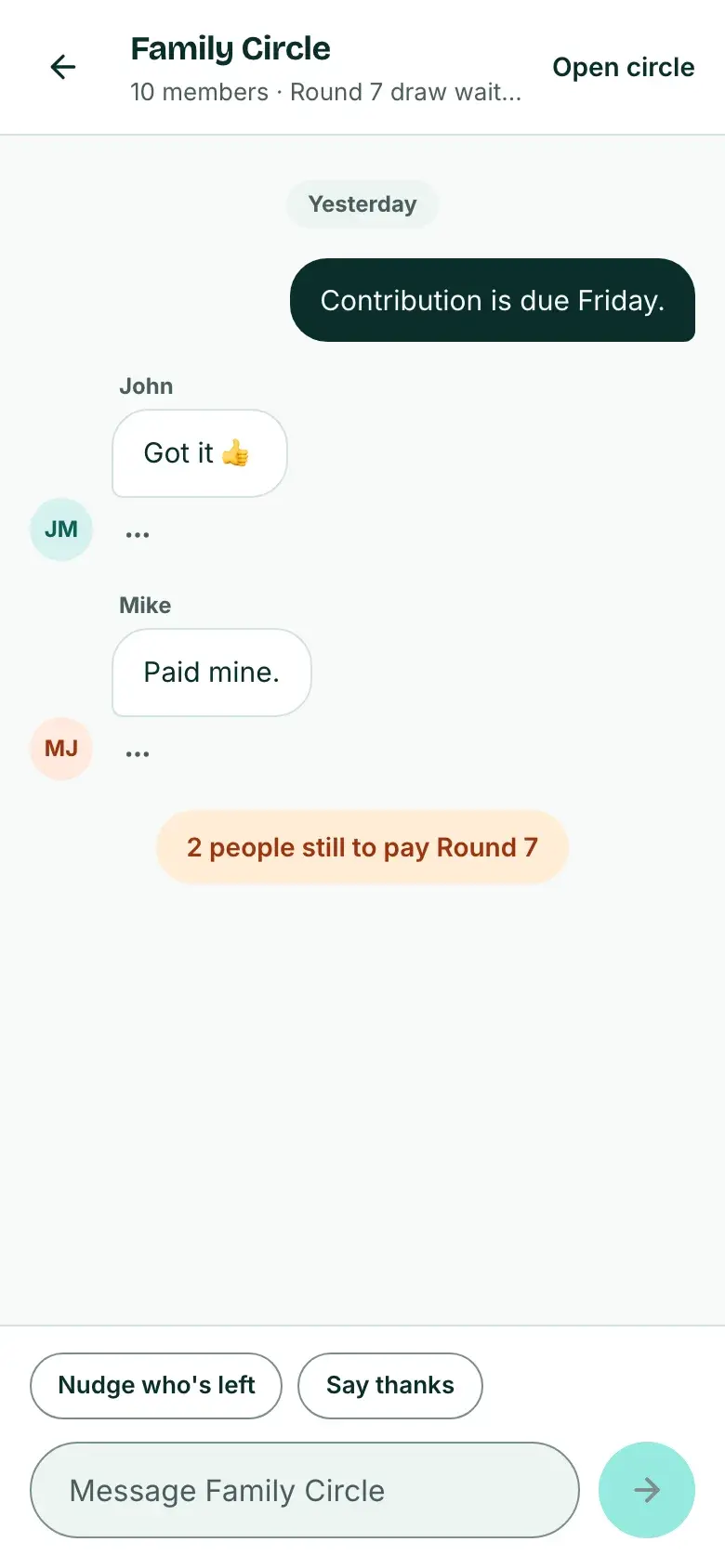
A chat that knows the circle.
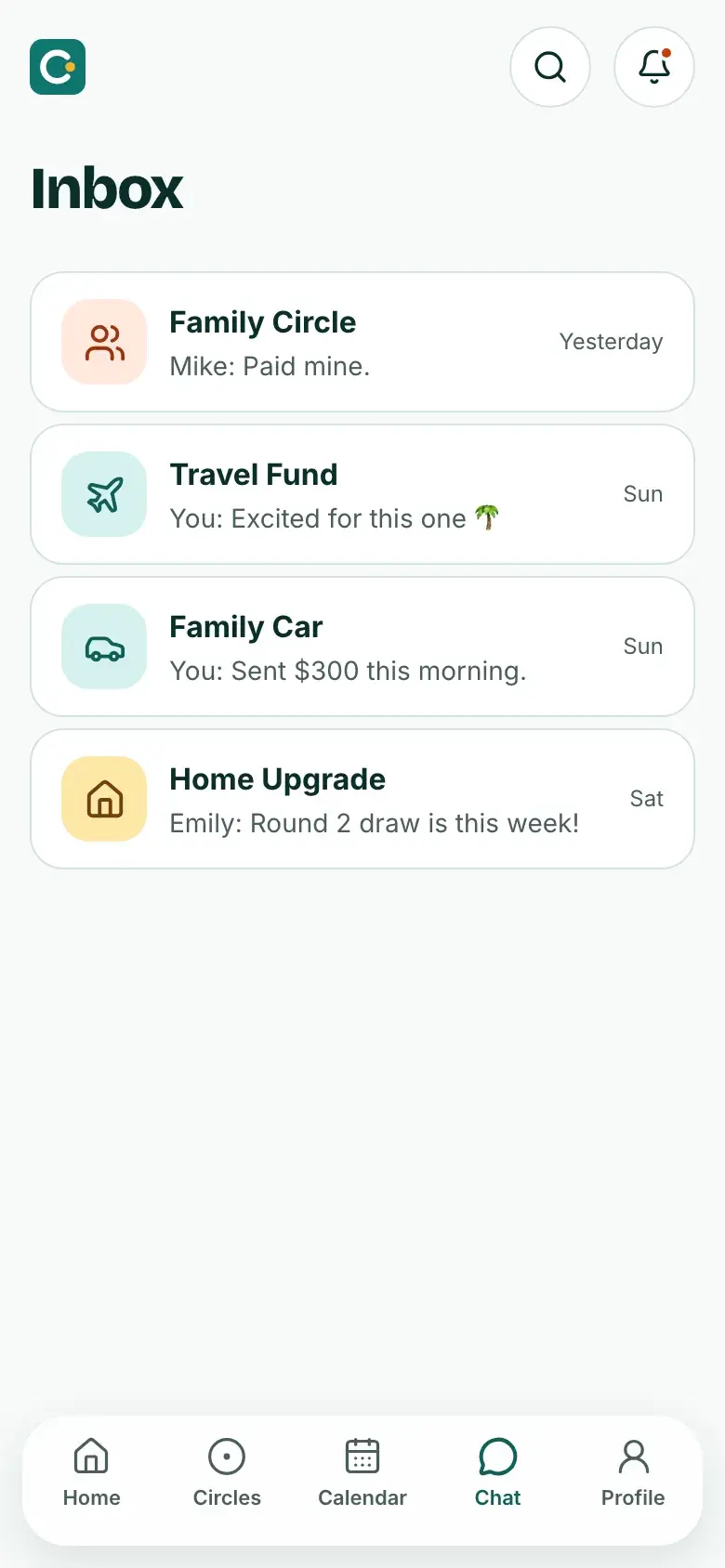
A chat for every circle
Each circle's chat is made for you, and everyone who joins is added. Chats shows every circle's latest message and how many you haven't read.
The circle speaks up too
Notes from CircleMate land in the chat: a payment confirmed, who's still to pay, a draw that's in. A draw note has a Watch button and never gives the winner away. Quick replies record your payment, nudge who's left or say thanks.
Alerts that don't pile up
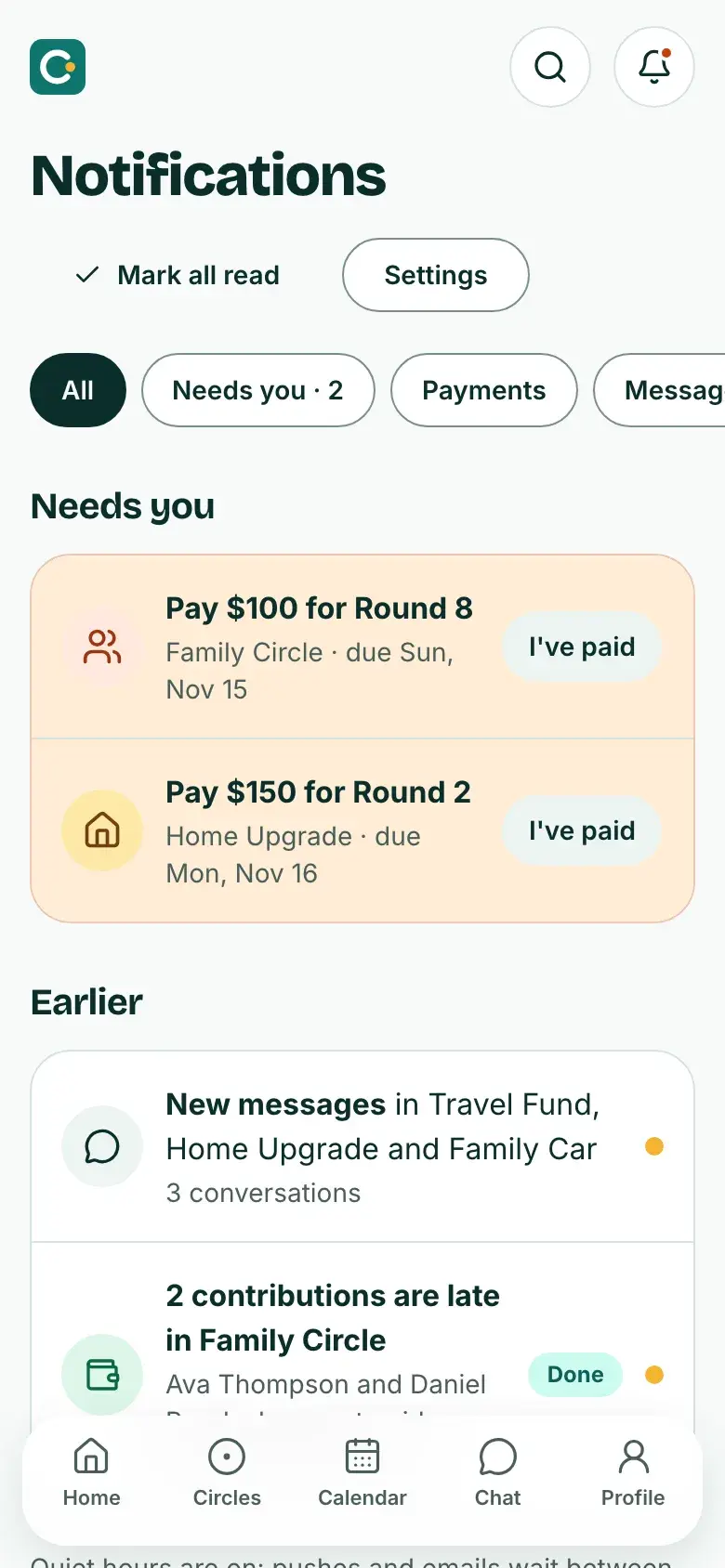
One New messages alert per chat, updated with the latest message and cleared when you open it. Quiet hours keep the nights quiet.
The chat, screen by screen.
Read it instead
- Open Chats: every circle's conversation, newest first.
- Write to the whole circle. Messages arrive live.
- Quick replies: record your payment, nudge who's left, say thanks.
- One alert per chat, cleared when you've read it.
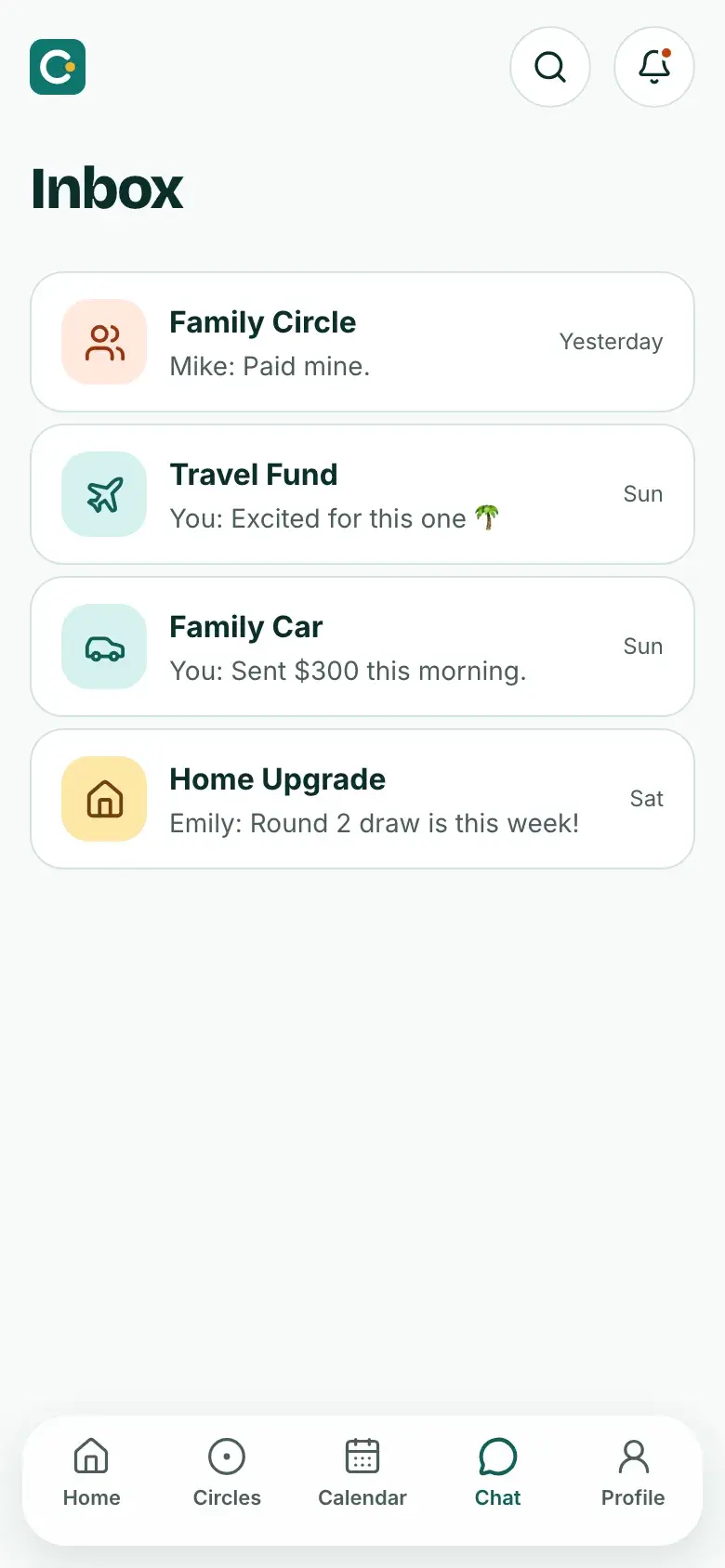
Open Chats: every circle's conversation, newest first.
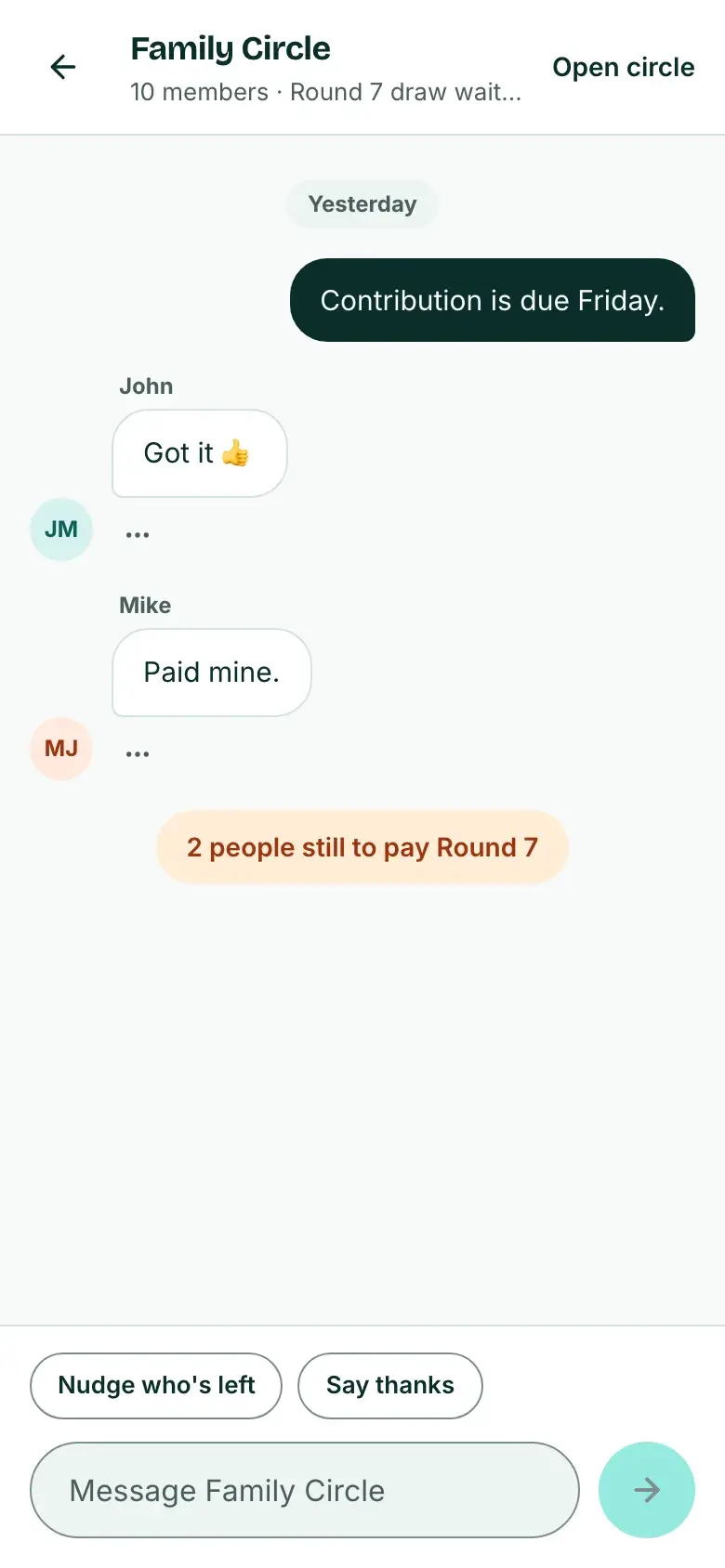
Write to the whole circle. Messages arrive live.
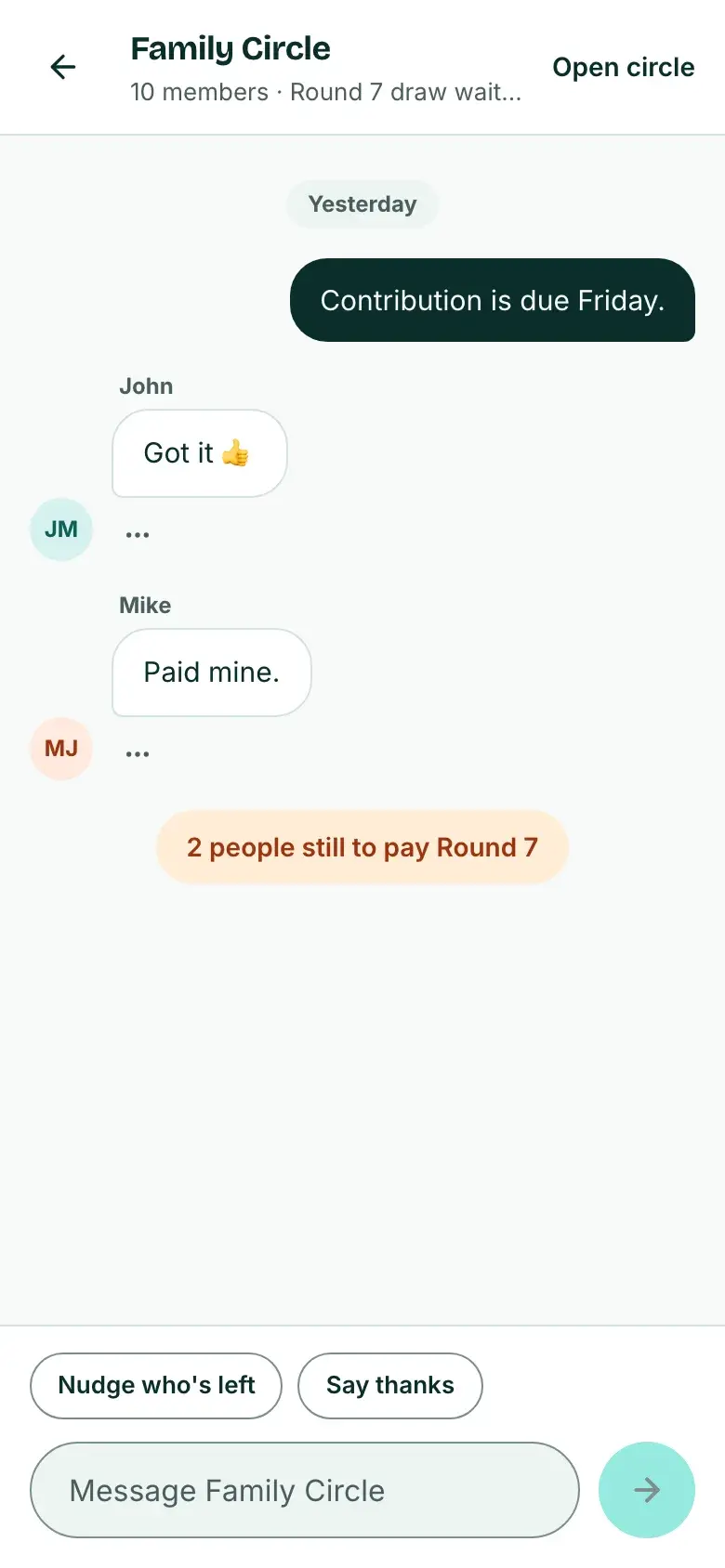
Quick replies: record your payment, nudge who's left, say thanks.
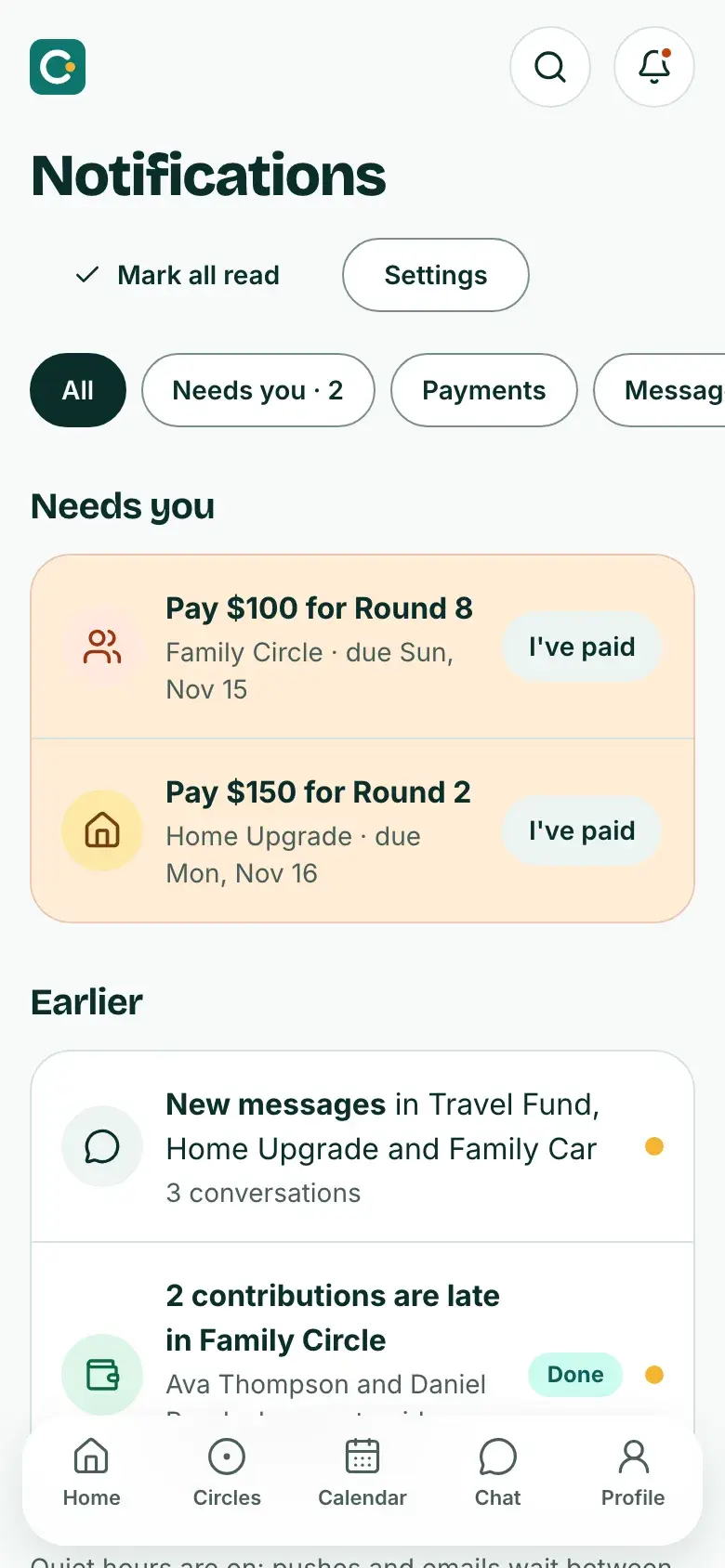
One alert per chat, cleared when you've read it.
Questions about the chat.
Who's in a circle's chat?
Every member of the circle. The chat is made with the circle, and everyone who joins is added to it.
Will the chat spoil the draw?
No. When a draw is in, the chat says so without naming the winner, and a Watch button lets everyone see the reveal for themselves.
Can I turn chat alerts off at night?
Quiet hours hold phone notifications and emails overnight, from 9:00 PM to 8:00 AM to start with. You can change the times, and choose what we email you about.
Start your circle tonight.
On iPhone, Android or the web. It takes about two minutes.