Organizer tools
Run the circle, not a spreadsheet.
Invite people, confirm payments, run the draw and send the pot, with every step recorded for the whole circle to see. When plans change, replace, remove or hand over, and CircleMate works out who owes what.
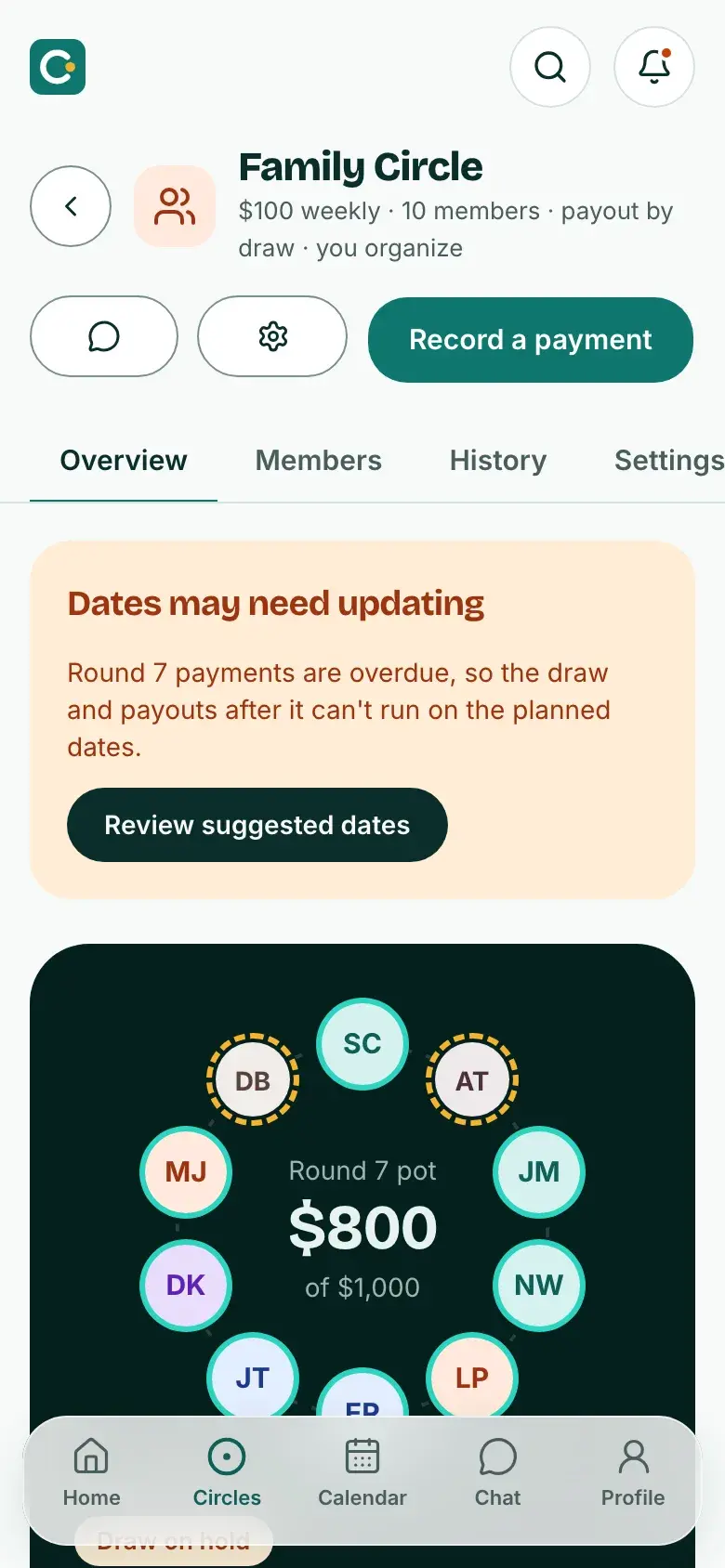
Everything an organizer does, in one place.
Invite in a tap
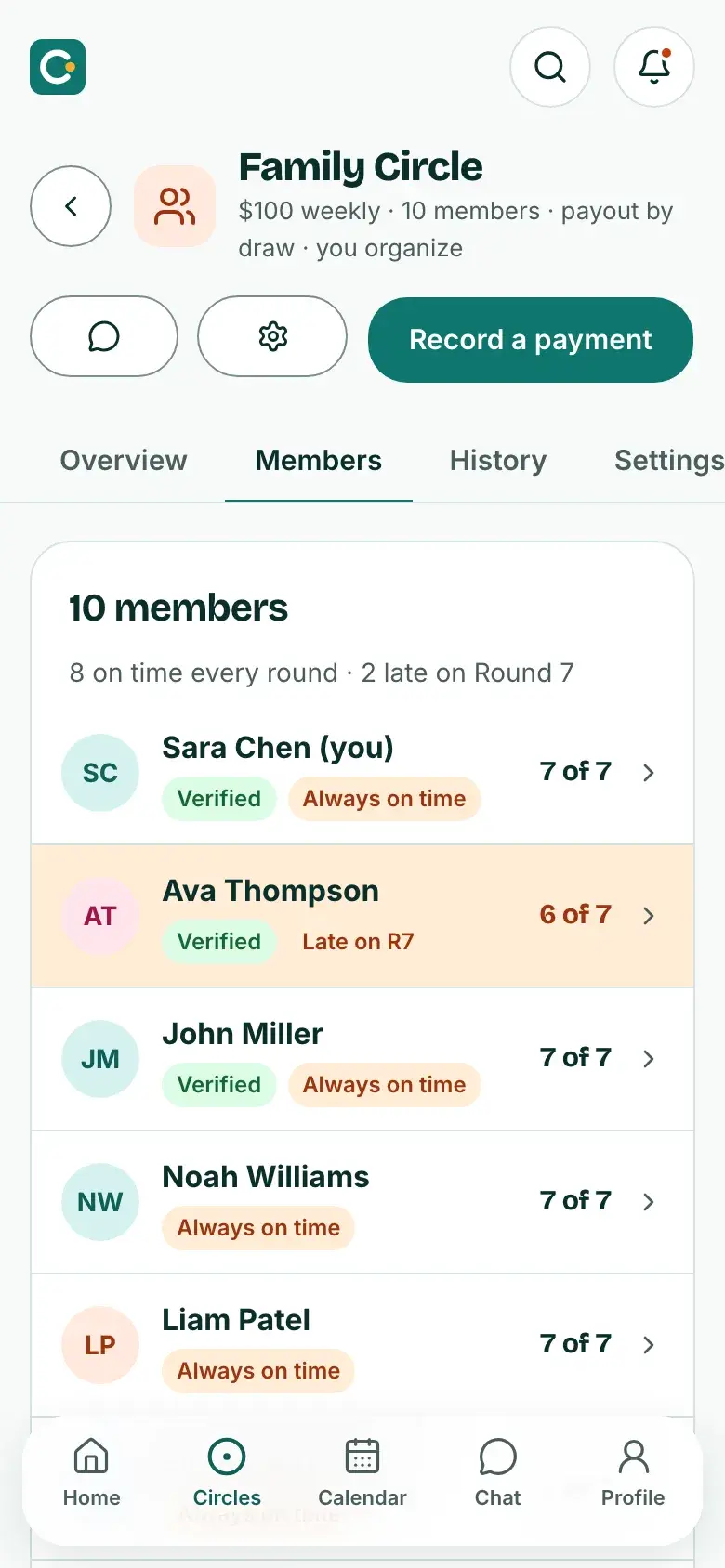
Invite one person by email or phone, or share one link several people can use. Everyone sees the rules before they join, and the circle starts when you start it.
Every round in three steps
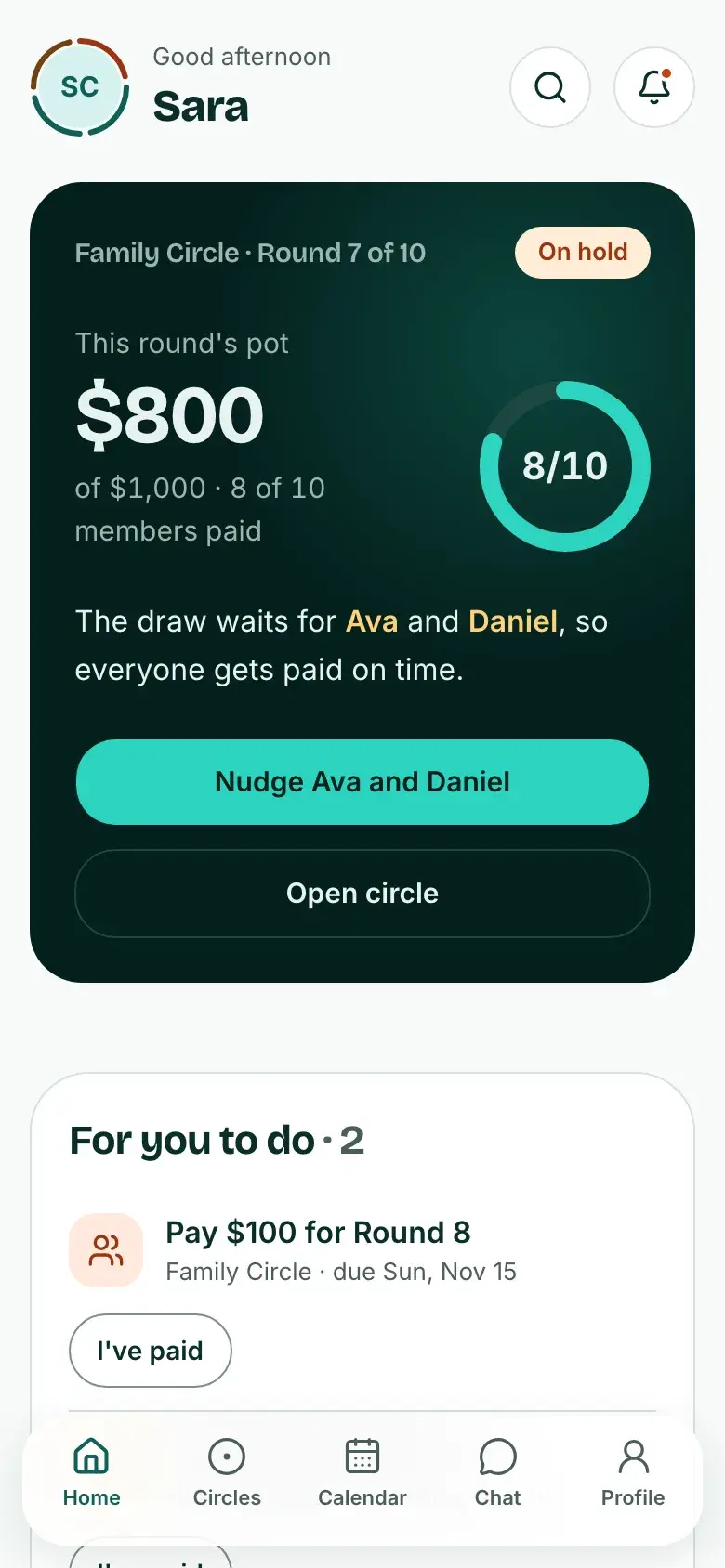
Collect, Draw, Pay out. Confirm payments as they arrive, run the draw once everyone has paid, then mark the pot as sent. The round card always shows what's next.
Change plans without losing the record
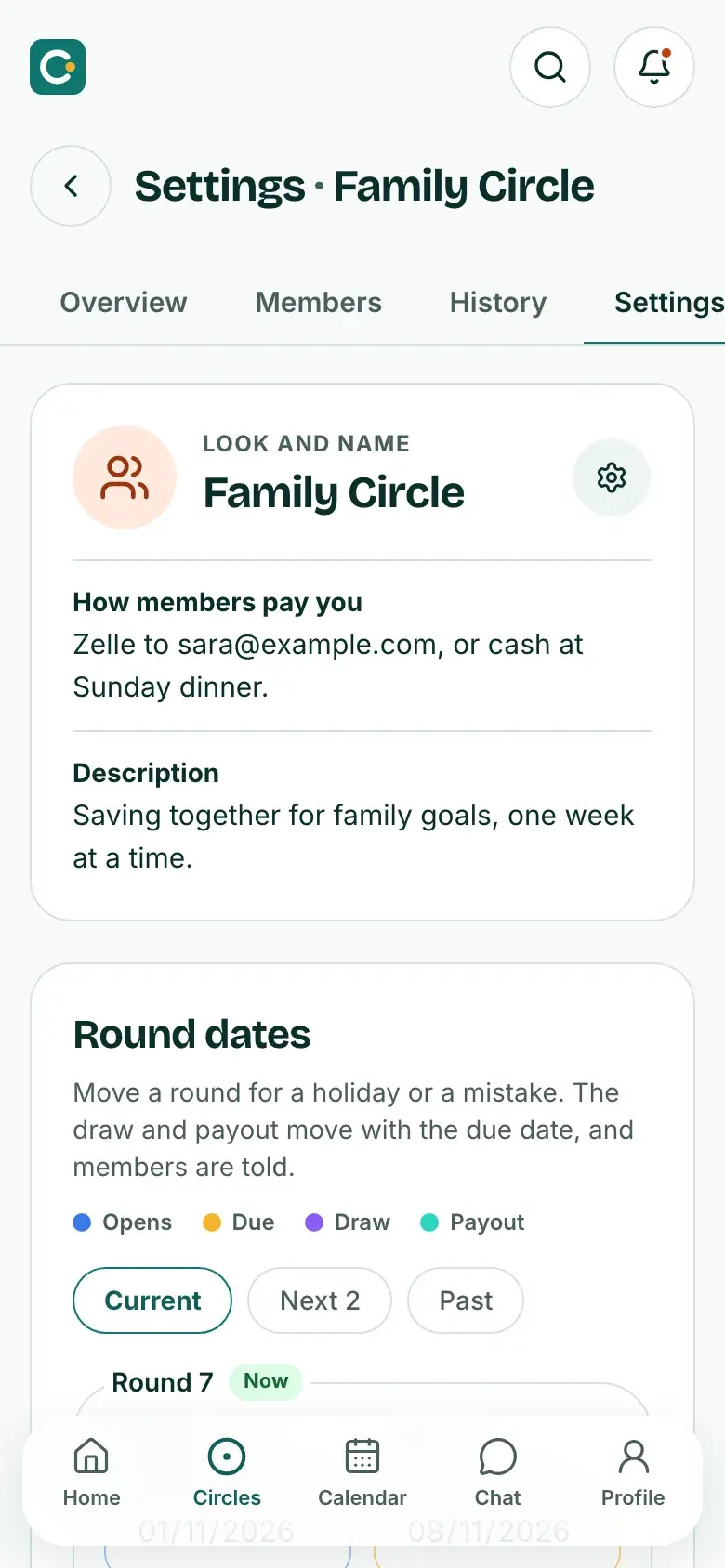
Move a round's dates around a holiday, update how members pay you, find a replacement, remove someone with a reason, or hand the circle to another member. Everyone is told.
Settling up, worked out for you
When someone leaves, CircleMate works out what's owed either way. You settle it directly and mark it settled; the history keeps it all.
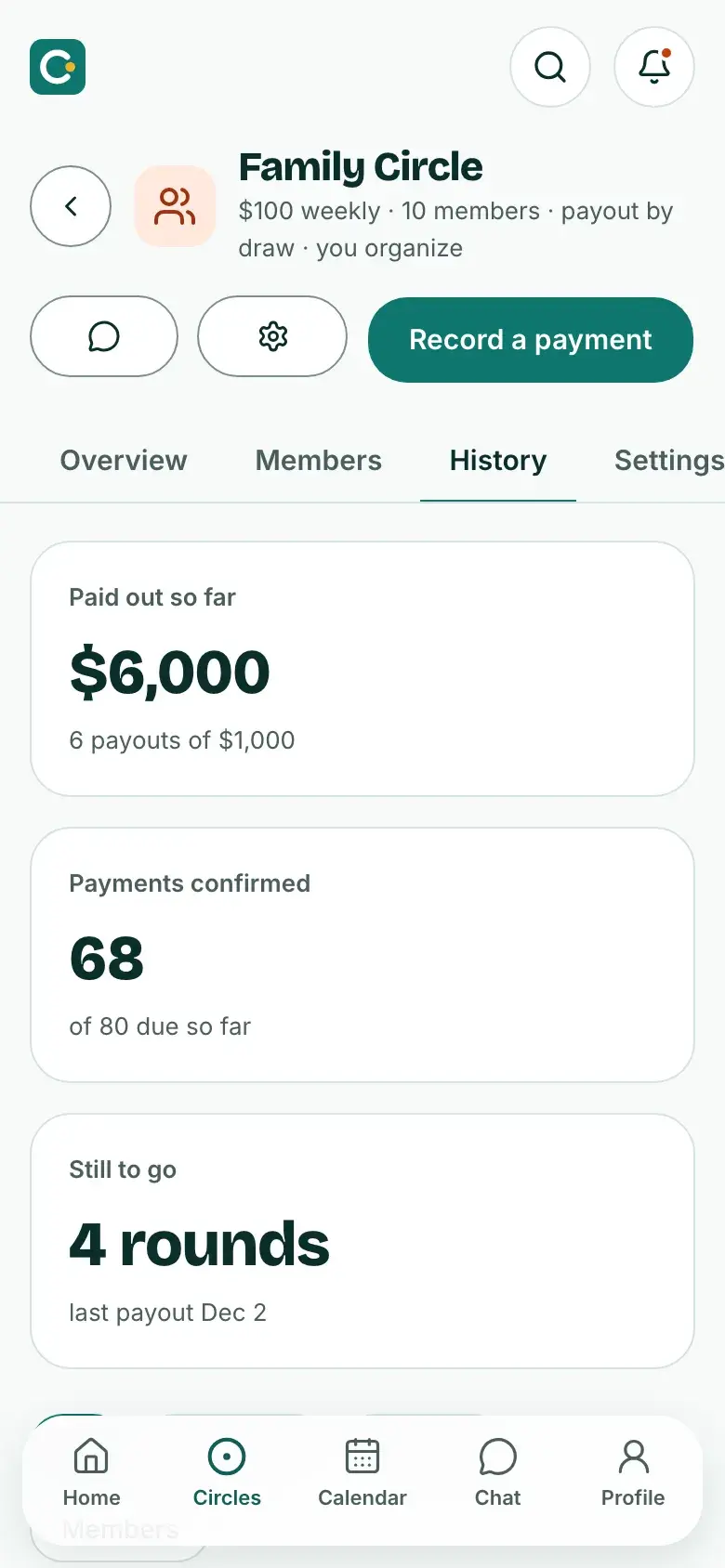
Organizing, screen by screen.
Read it instead
- Create the circle: the amount, the schedule and how turns are decided.
- Invite people by email, phone or a shared link.
- Confirm each payment when it arrives, or remind who's behind.
- When everyone has paid, run the draw.
- Move a round's dates, or update how members pay you.
- Every step lands in the history.
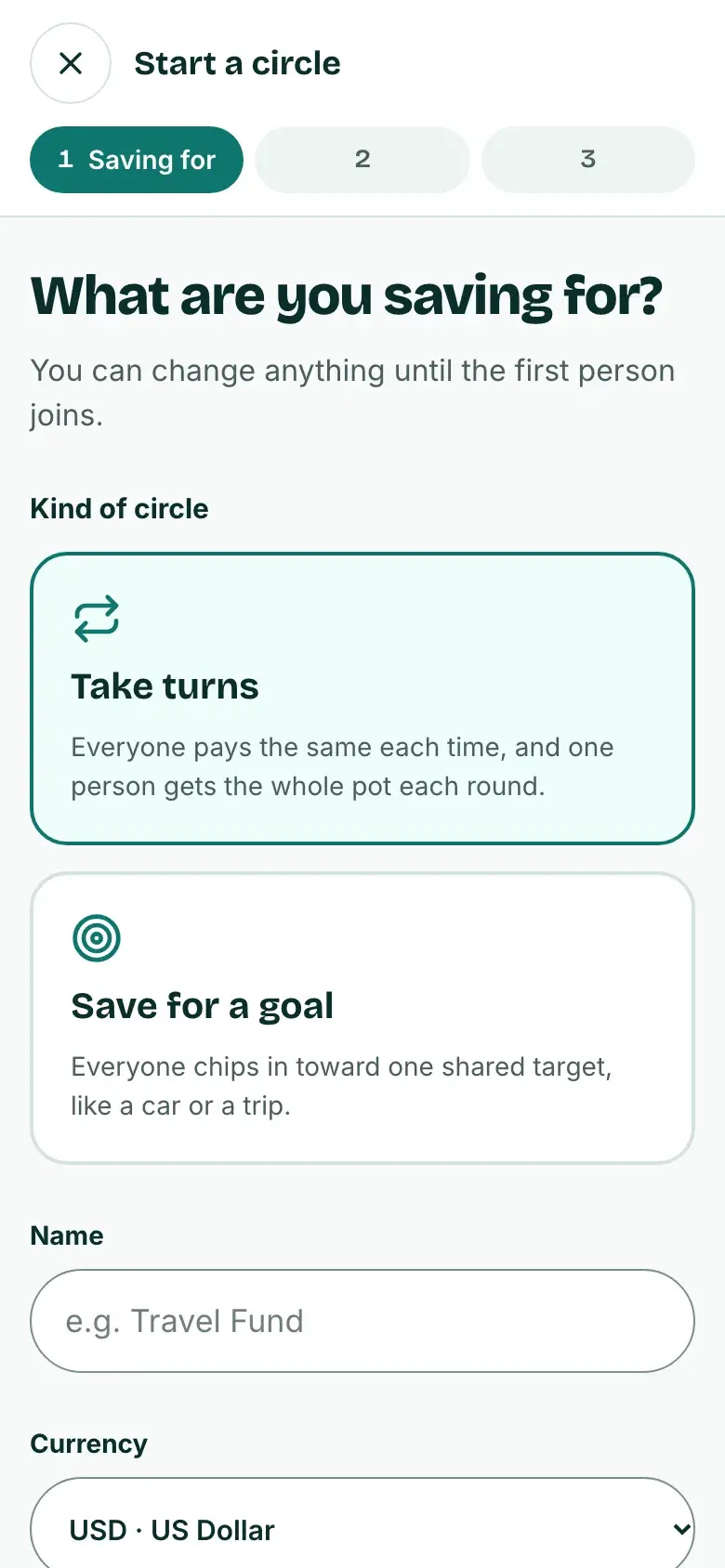
Create the circle: the amount, the schedule and how turns are decided.
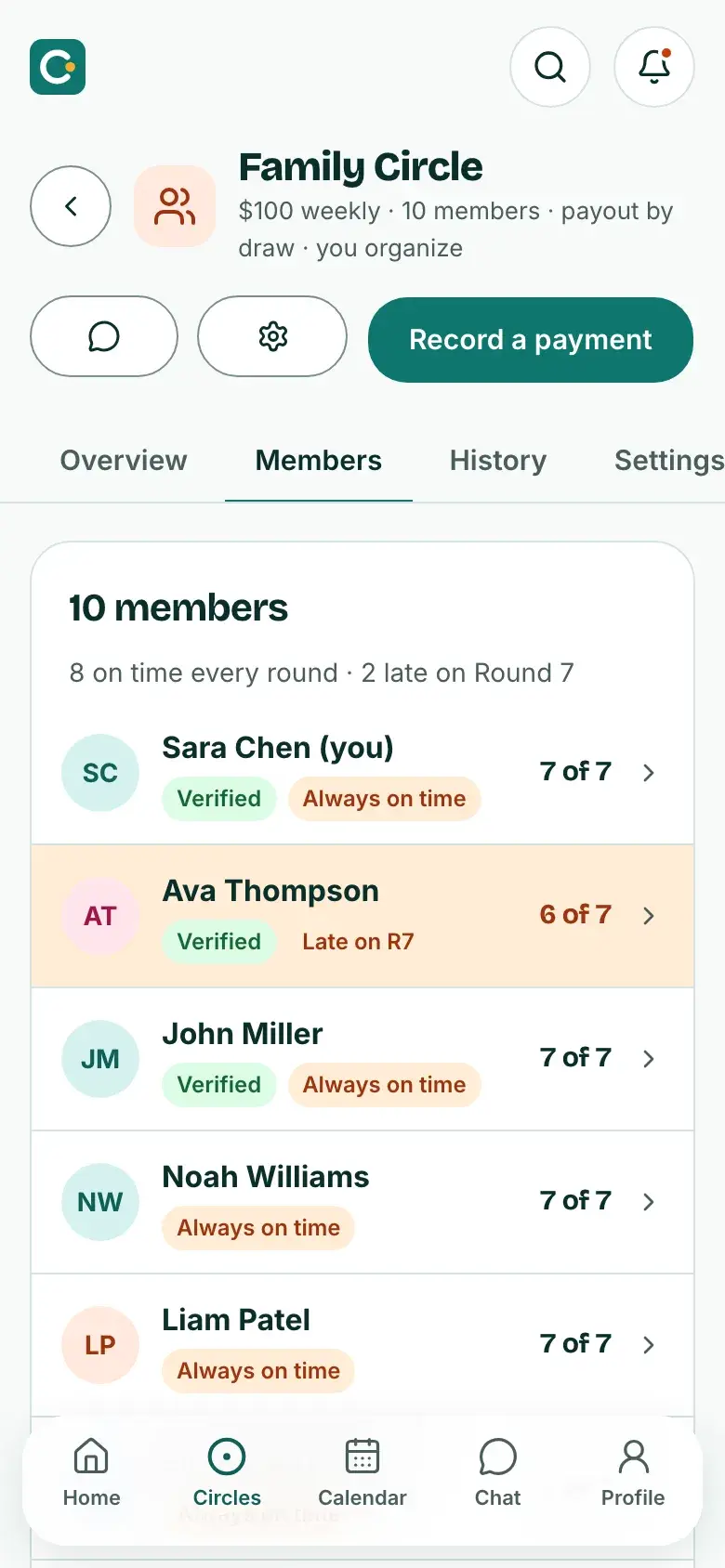
Invite people by email, phone or a shared link.
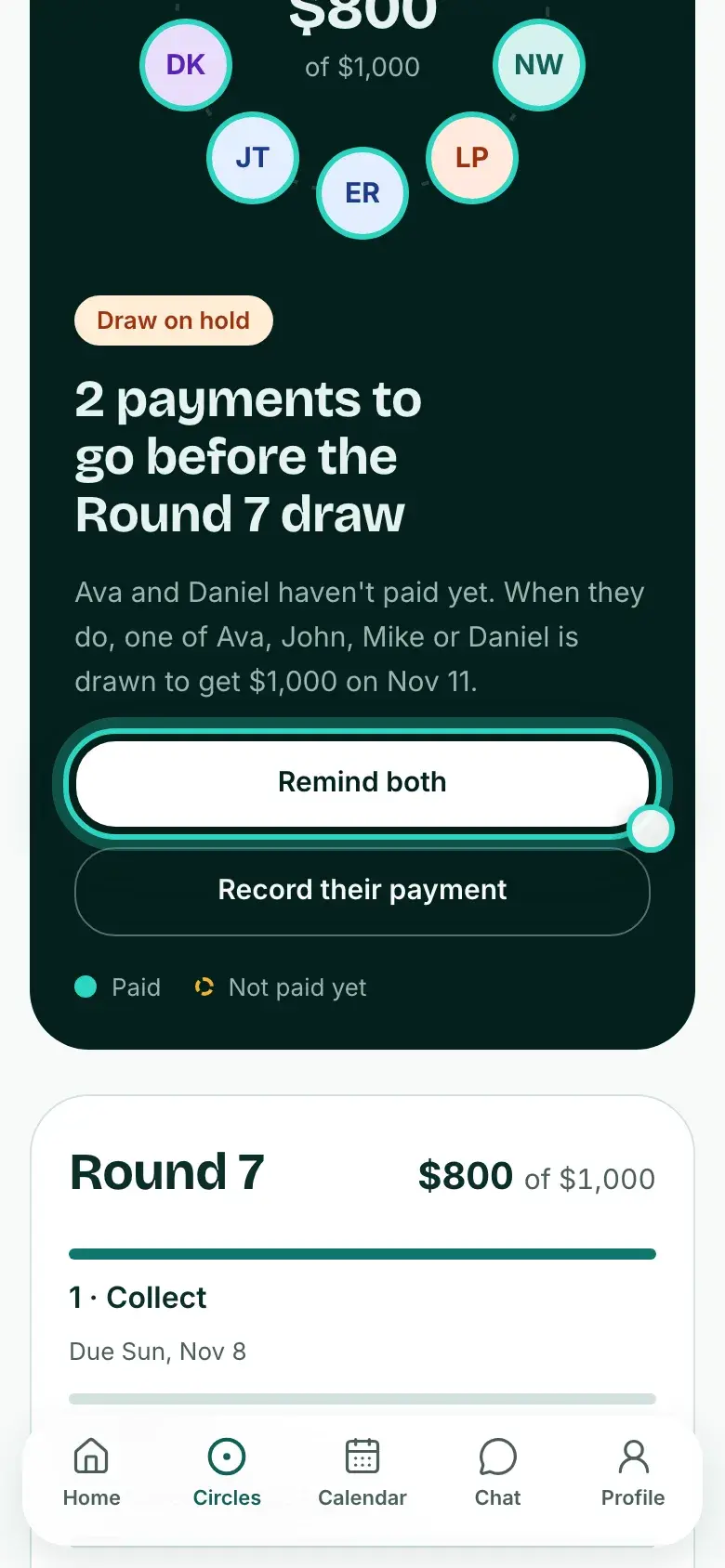
Confirm each payment when it arrives, or remind who's behind.
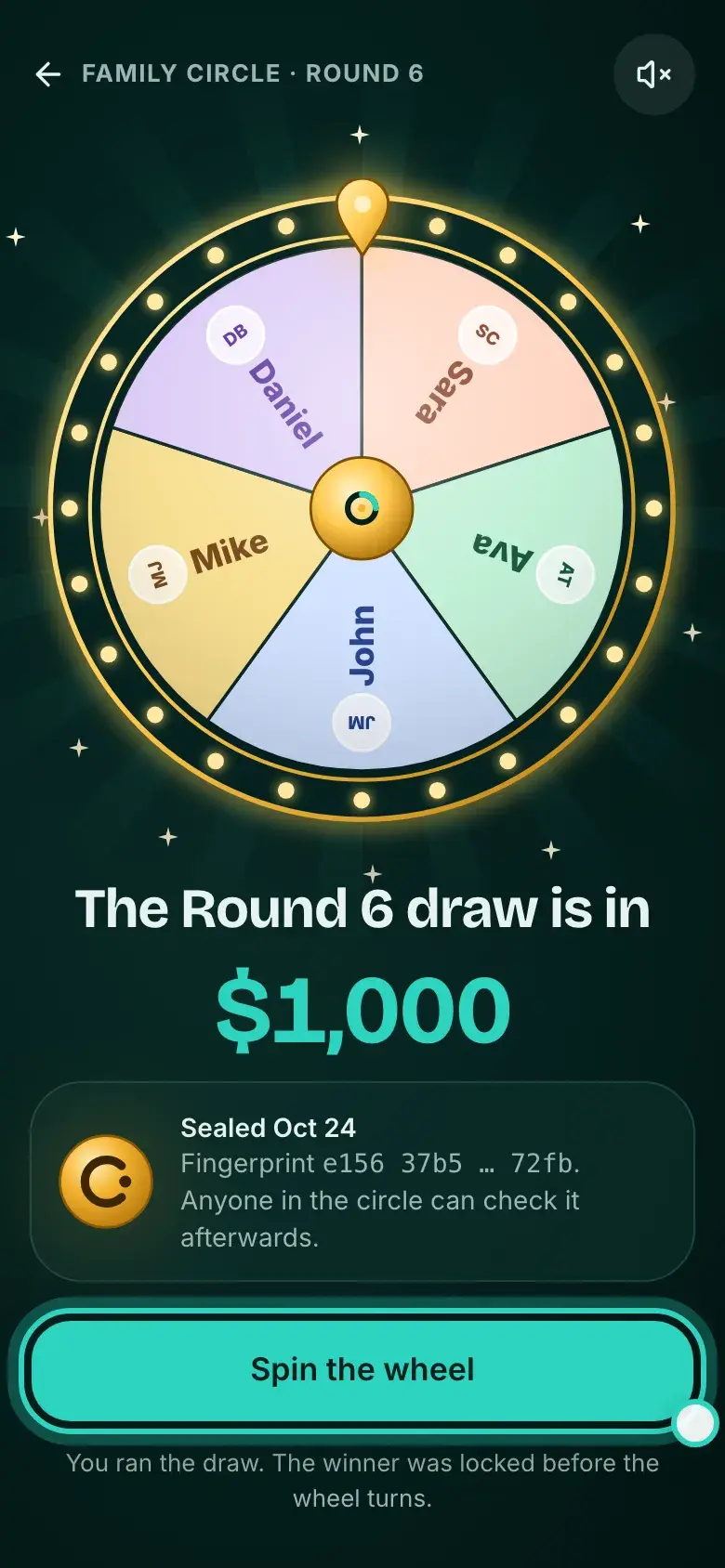
When everyone has paid, run the draw.
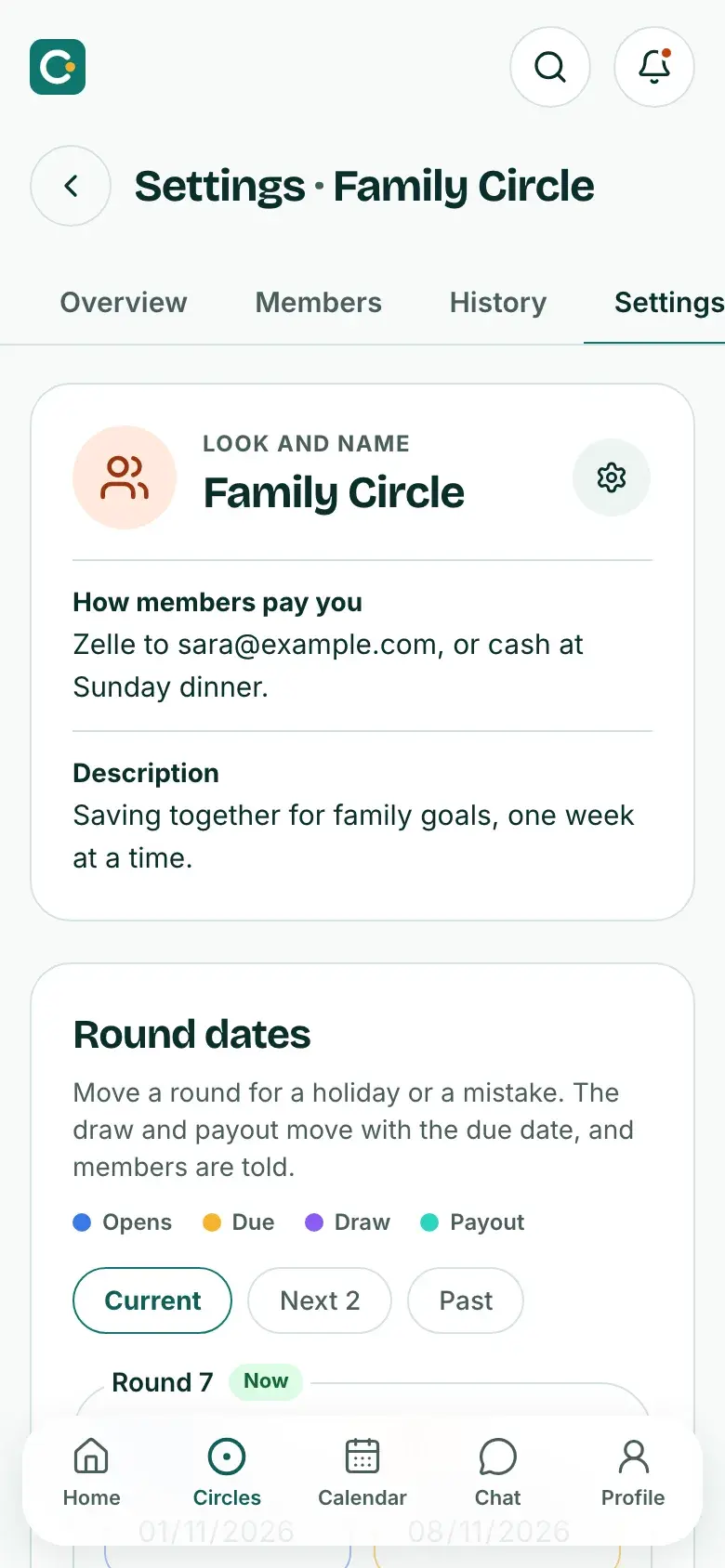
Move a round's dates, or update how members pay you.
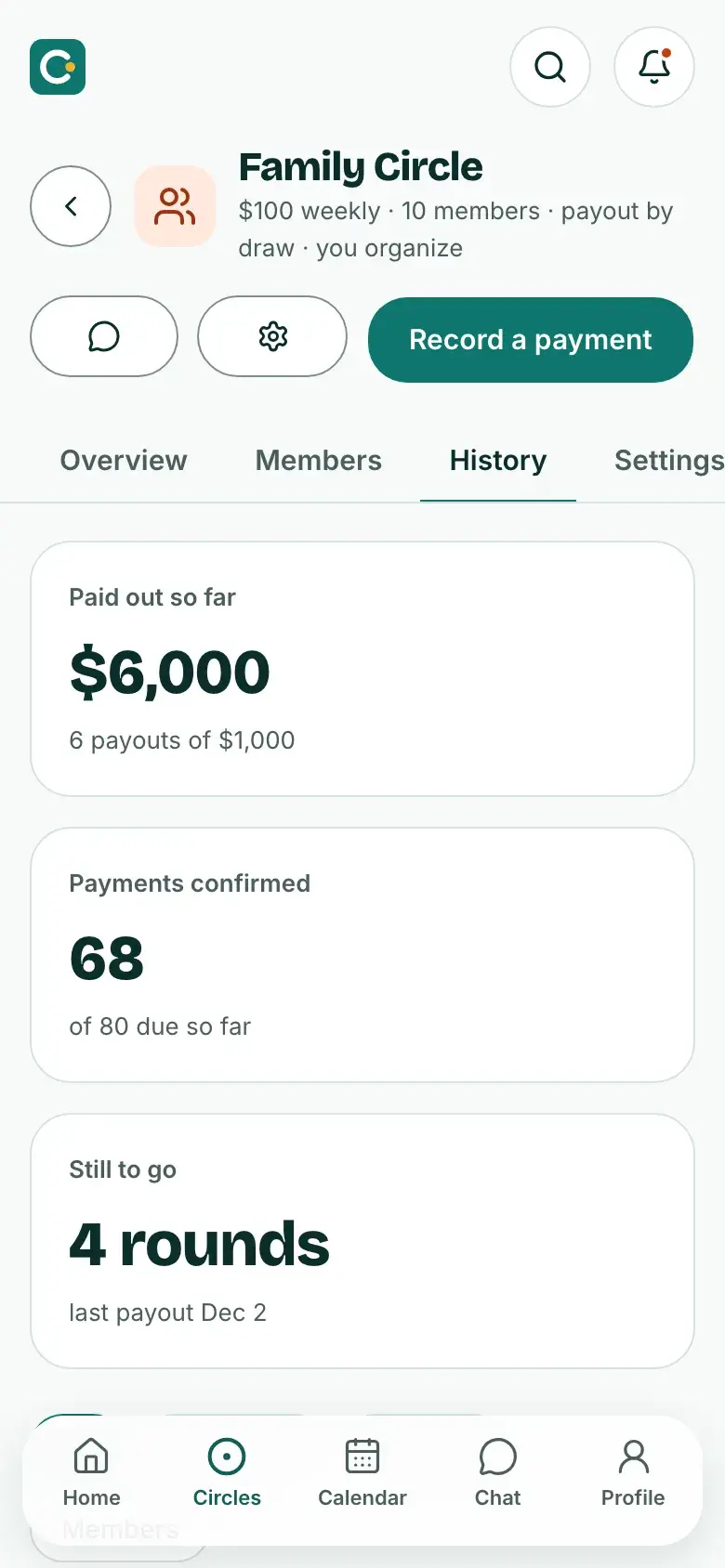
Every step lands in the history.
Questions organizers ask.
Can I record a cash payment?
Yes. Tap Mark paid next to their payment to record money someone gave you in cash or outside the app.
What if someone stops paying?
Remind them, once a day at most. Once a payment is 7 or more days late you can write it off: the payout shrinks by that amount and everyone is told why. Or find someone to take over their spot.
Can I hand the circle over?
Yes. Make organizer hands the circle to another member, and you stay in as a member.
Can I change the amount once it's started?
No. The amount and schedule lock when the circle starts, so everyone's numbers stay right. You can still move a round's dates, and change the name, description and how members pay you.
Start your circle tonight.
On iPhone, Android or the web. It takes about two minutes.